Hero’s $999 keyboard houses a Windows 11 PC and uses a compatible tablet or monitor as its display, with tradeoffs in weight, setup and battery life.


Hero Devices is betting that some tablet owners need Windows more than they need another screen. Its upcoming Hero Keyboard puts a Windows 11 PC, keyboard, trackpad and battery in one compact unit, then borrows a compatible tablet or monitor for the display. The appeal is straightforward: carry a Windows machine without carrying a conventional laptop. The tradeoff is just as clear: the computer and the screen remain separate pieces that have to work together.
That makes the product less of a laptop replacement for everyone and more of a different way to assemble a portable workstation. You bring the screen you already own, while Hero supplies the Windows hardware and controls. If you're working in this space, the idea will sound familiar: separate the computing core from the display, then rely on cables and software to reconnect them when needed.

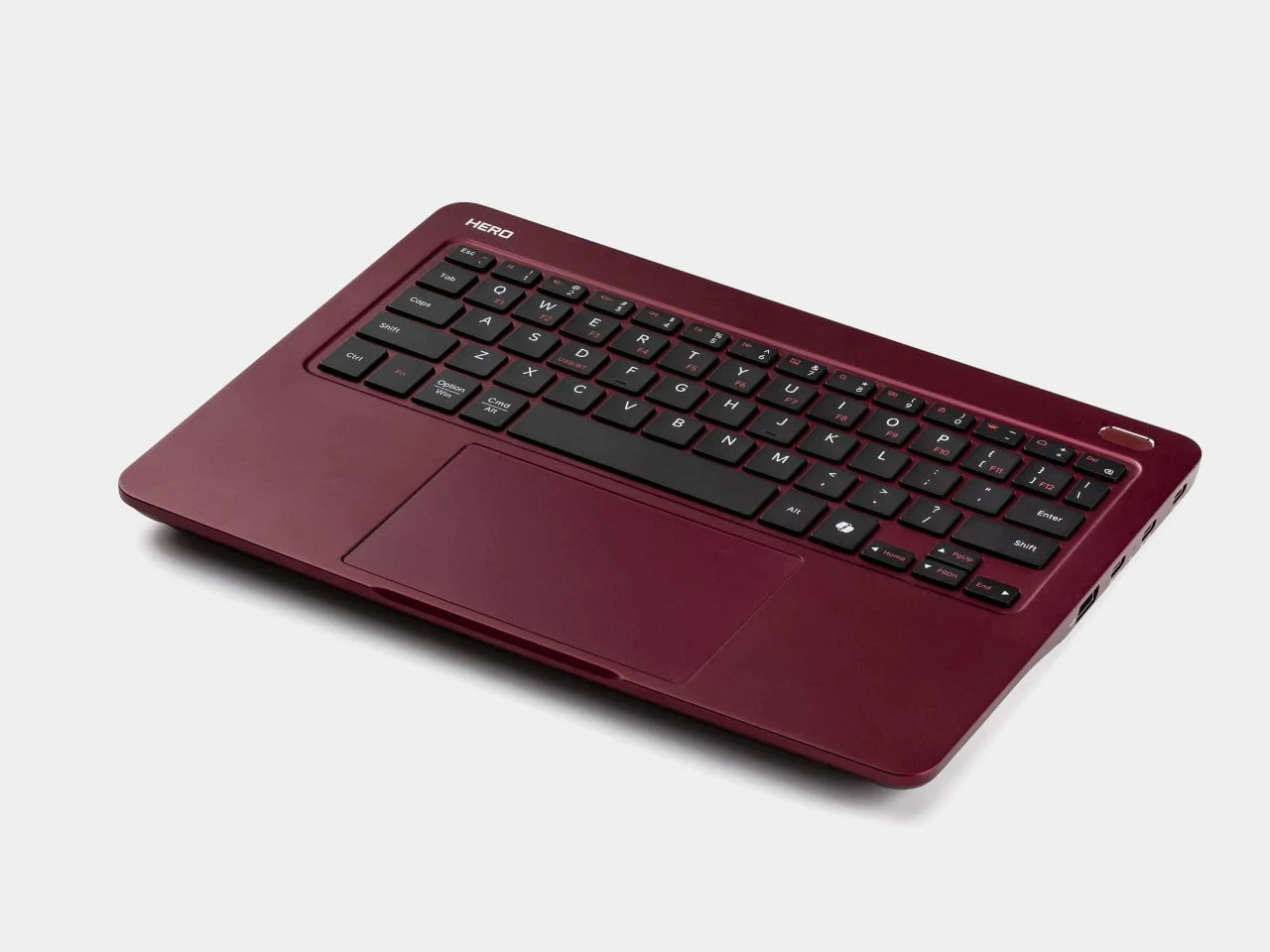
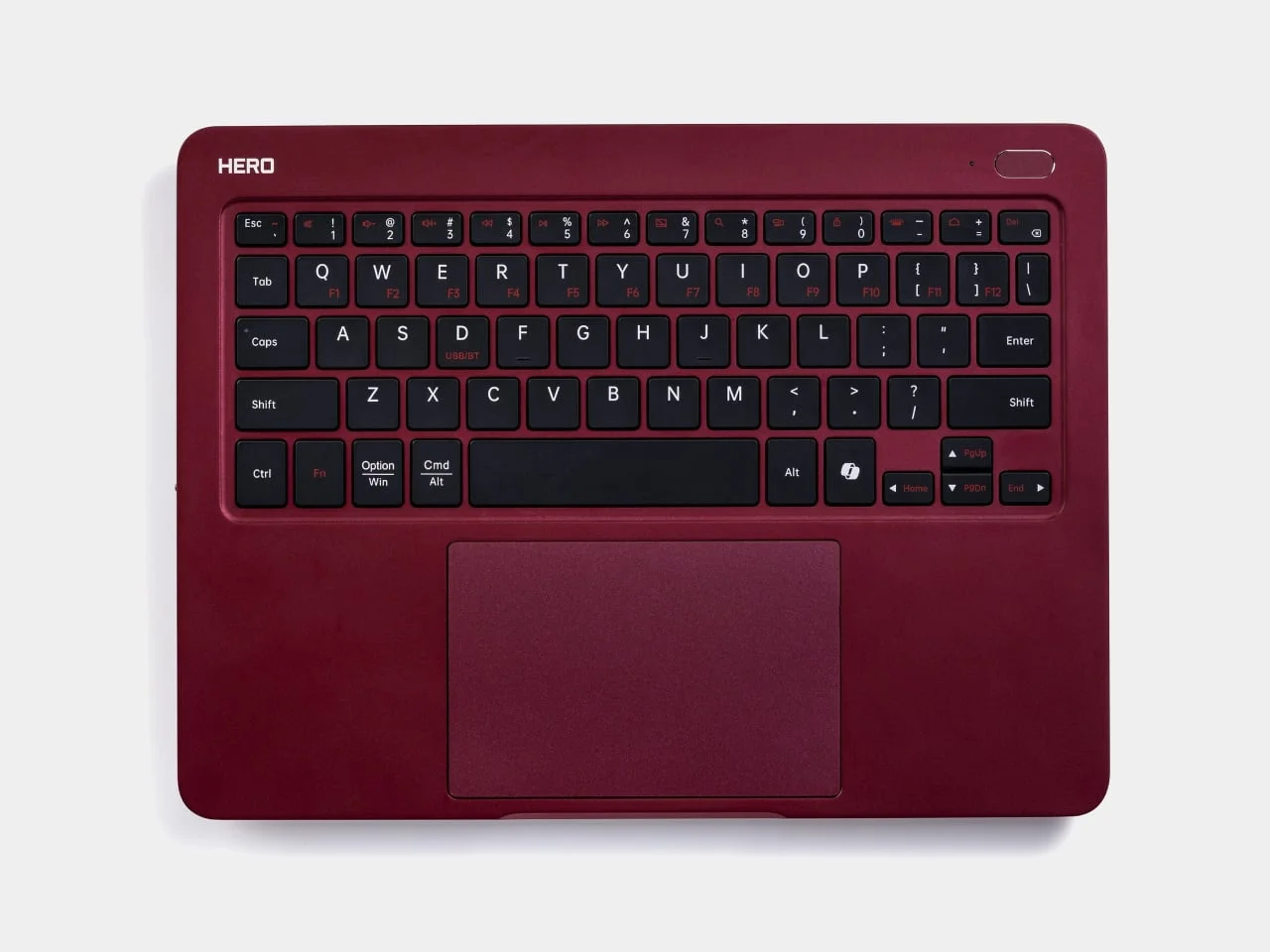
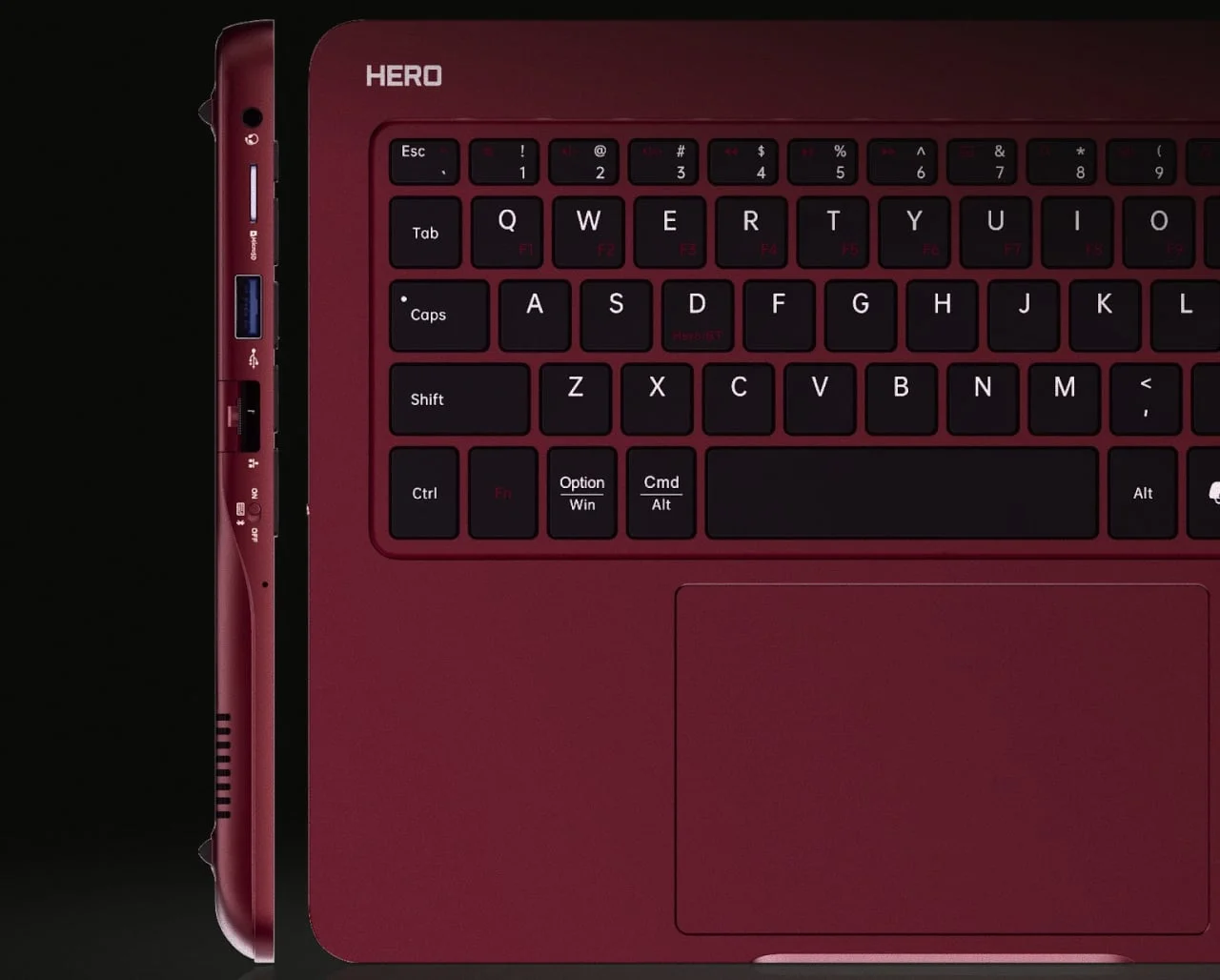
The aluminum enclosure measures about 10.04 by 7.48 inches and is 0.46 inches thick. Finished in Midnight Merlot, it has rounded corners, black keys and a wide trackpad. The compact layout leaves no room for a separate number pad. Designer: Hero Devices
Those dimensions suggest a device designed to fit into a bag alongside a tablet, rather than replace one. Its keyboard and trackpad give Windows a familiar input surface, while the aluminum shell and low profile keep the package closer to an accessory than a traditional notebook. But a small footprint brings practical compromises: the layout is compact, and anyone who depends on a number pad will need another way to enter figures.
A Windows computer that borrows its screen
Hero lists an Intel Core Ultra 5 125H processor, 16 GB of memory and a 512 GB SSD. Windows runs on the keyboard itself; the tablet acts as a display and can supply supported touch input. That setup could suit people who rely on tablet software day to day but occasionally need Windows applications their tablet can’t run.
The distinction matters because the tablet isn’t simply mirroring a desktop computer elsewhere. The Windows system and its files live on the Hero Keyboard, while the tablet serves as a screen and, where supported, an input surface. That could let someone keep a familiar tablet for reading, drawing or other everyday tasks, then switch to Windows for software that isn’t available on that platform. It also means the tablet’s compatibility becomes part of the computer experience.
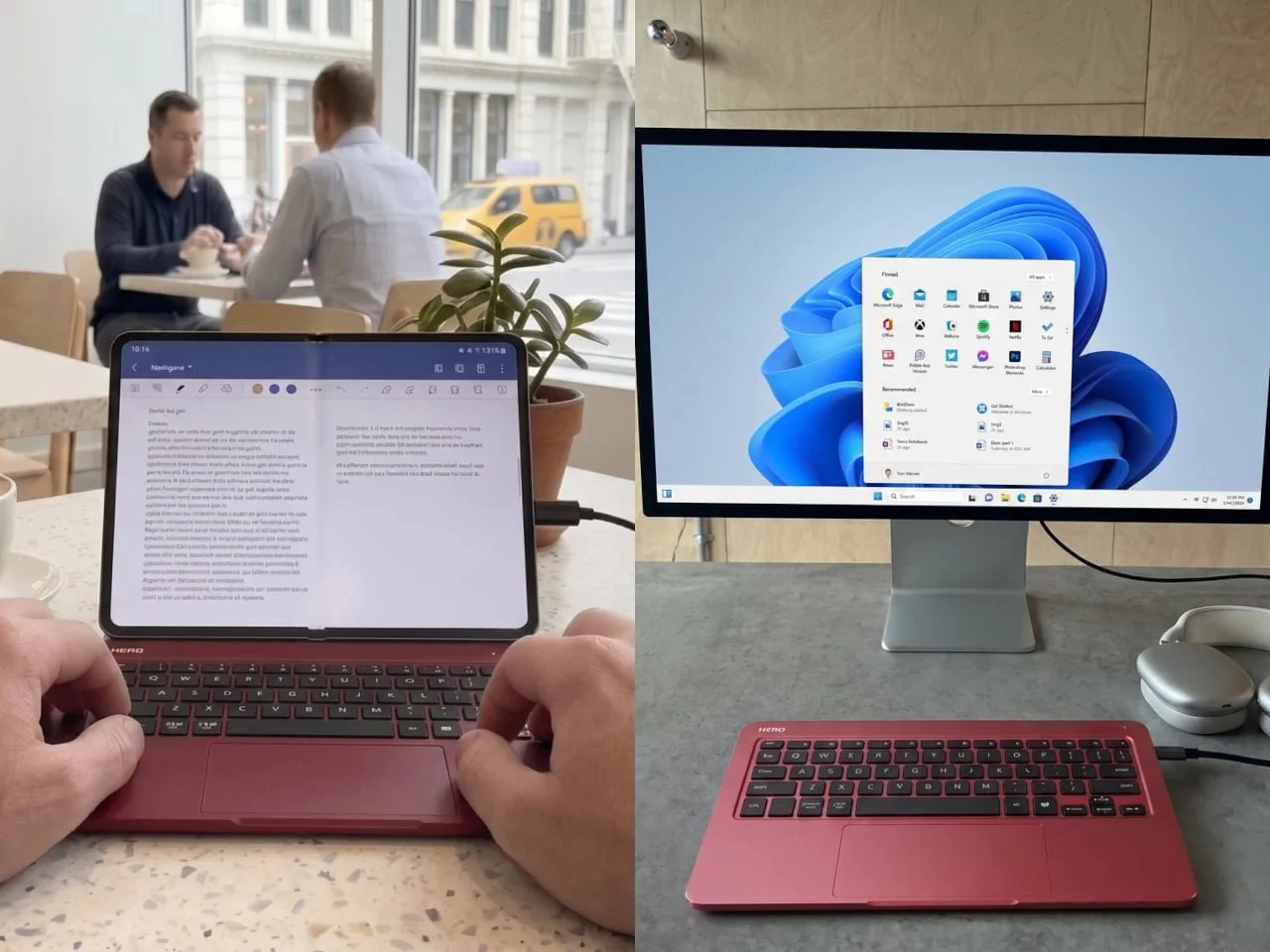
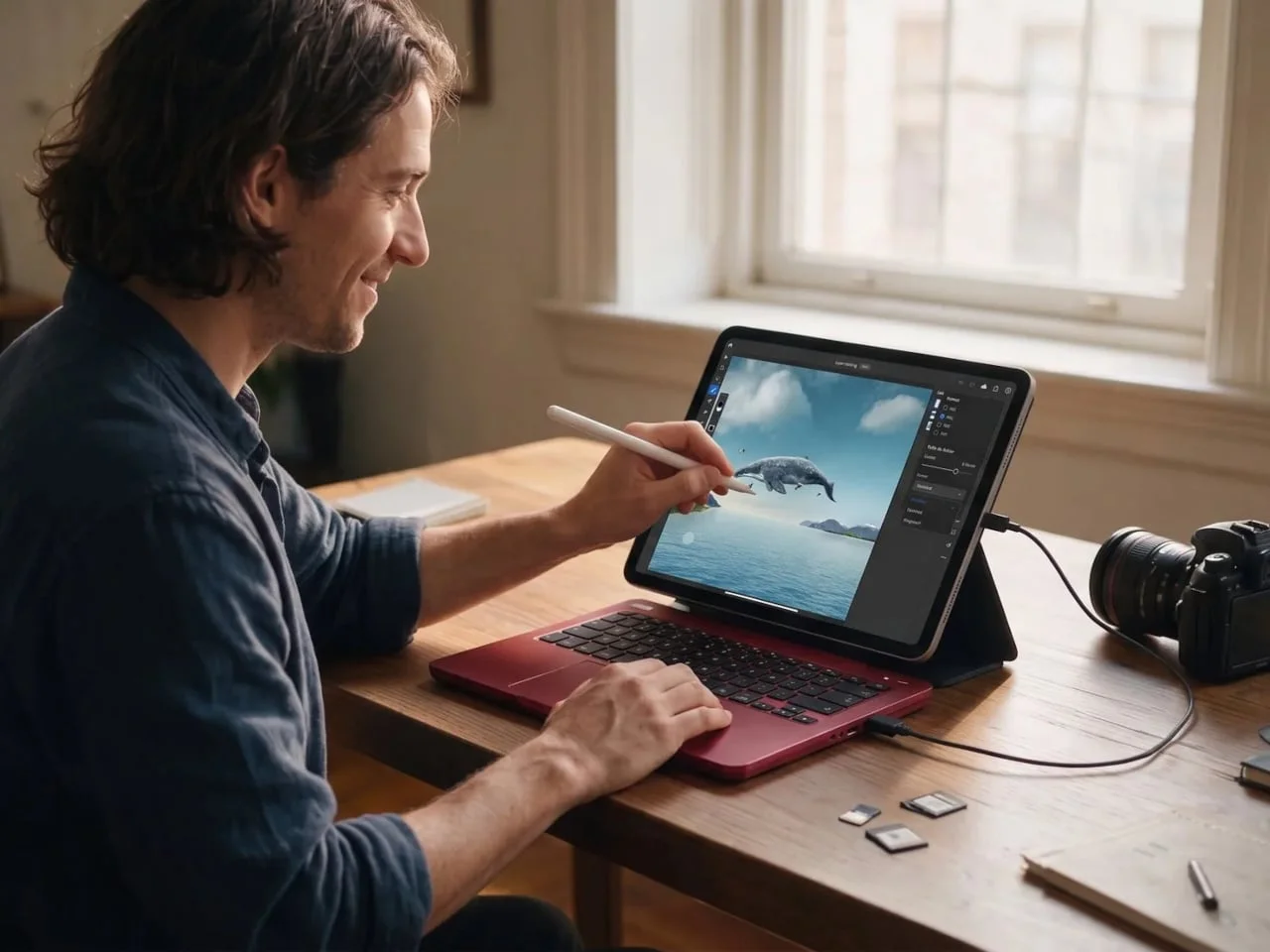
Getting a tablet to act as the screen requires Hero Port. Video travels over a standard USB-C data cable, while touch and stylus input use Bluetooth Low Energy. Hero’s companion app is intended for iPadOS 17 and later and Android 7 and later, though the product page still lists it as forthcoming. For iPhone, Hero points users toward third-party options such as Duet.
That connection method splits the experience across a cable, wireless input and an app. Each piece has a job, but the setup depends on them working reliably together; a simple physical connection doesn’t by itself guarantee that the tablet will behave like a built-in laptop display. The forthcoming app is therefore more than a supporting extra. It’s central to making the core idea usable.
Portability comes with extra pieces
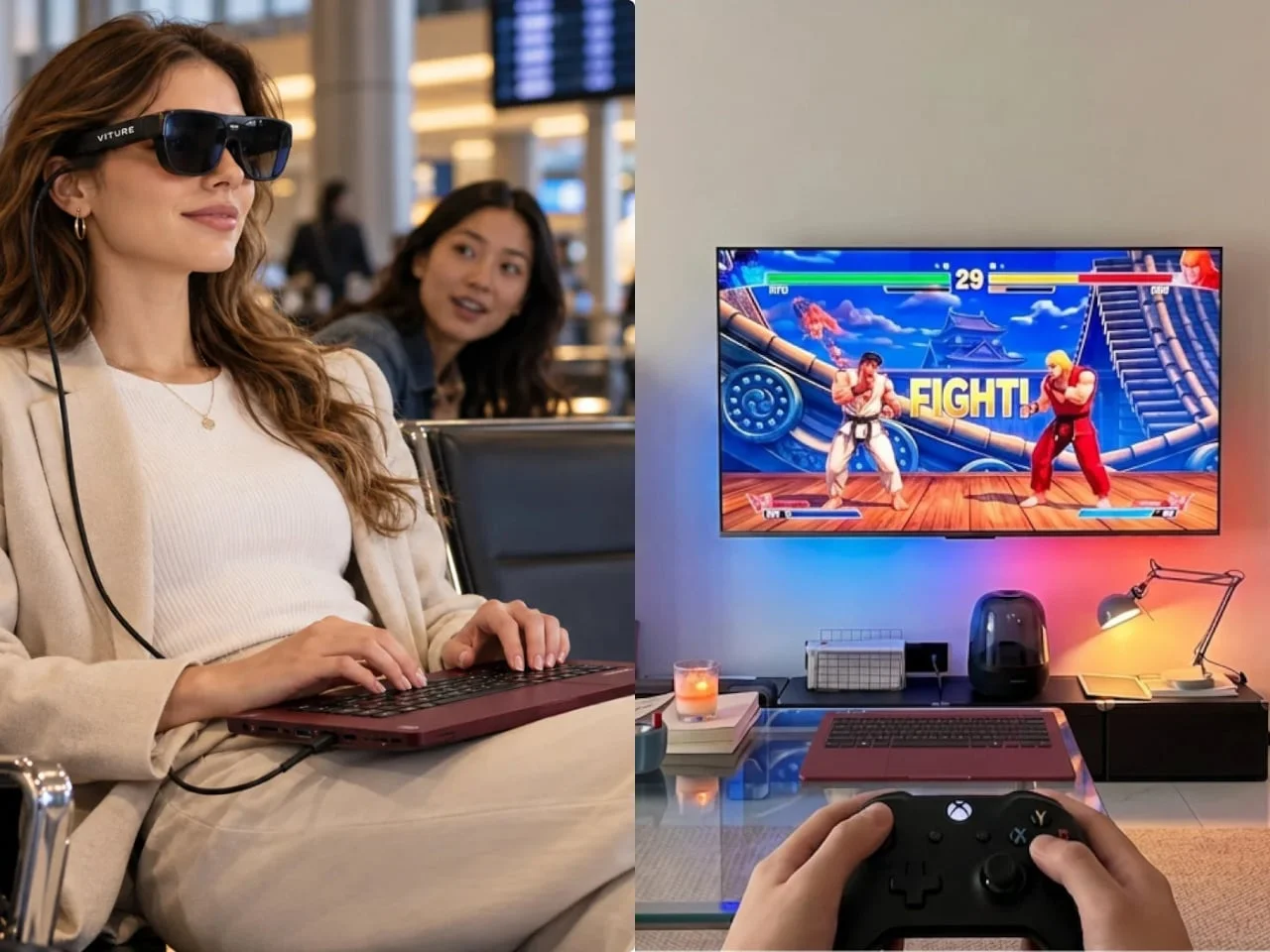
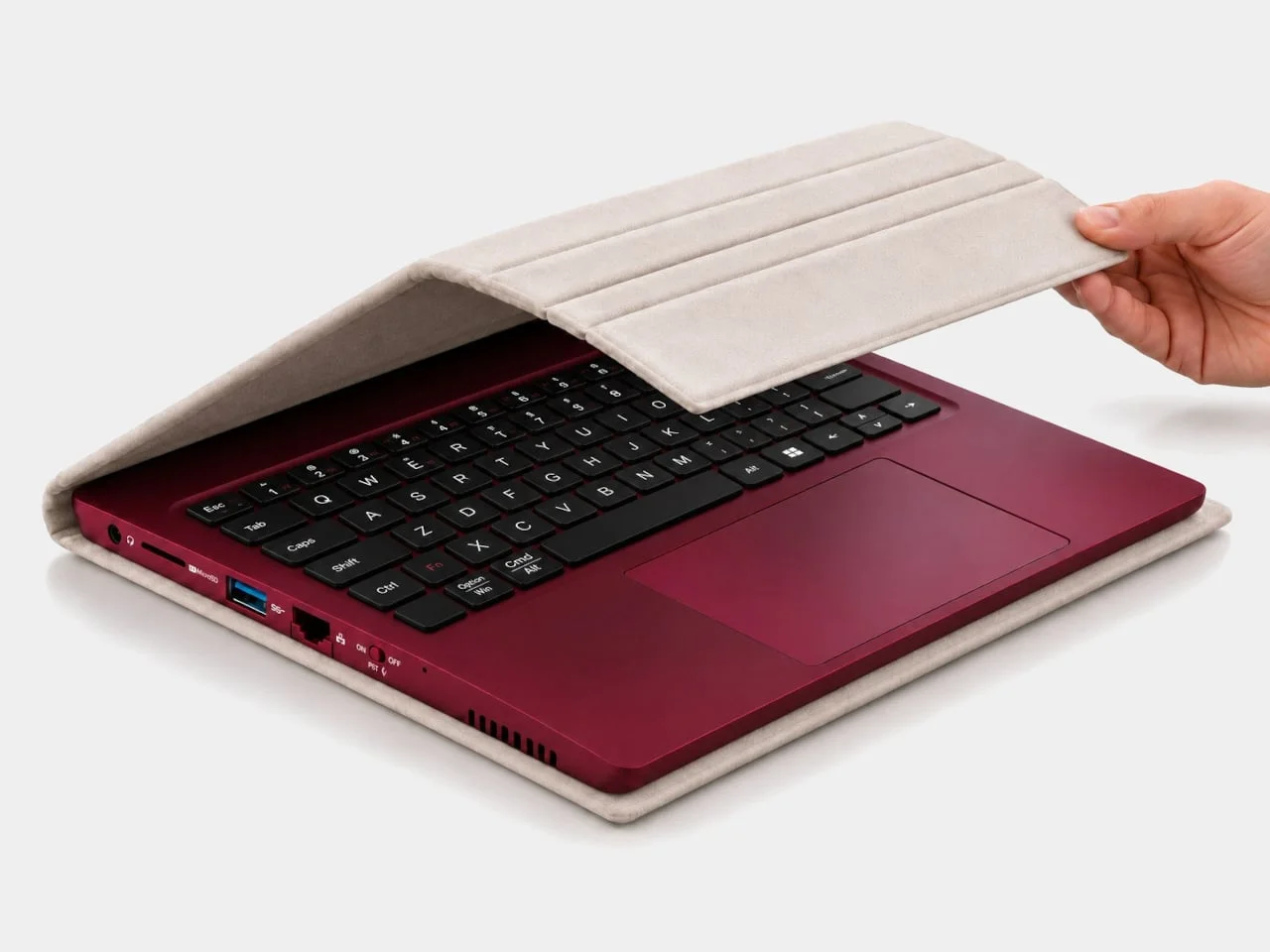
At a desk, a compatible USB-C monitor can handle the display connection and power through one cable. Away from the desk, Windows files and applications stay on the keyboard, so work can move with it. Hero also offers a $50 Sidekick case that carries the keyboard and an 11-inch iPad and doubles as a tablet stand.
The desk setup is the cleaner version of the pitch: one cable can connect the computer to a compatible monitor and supply power. On the move, the case helps keep the components together and props up the tablet, but it doesn’t remove the need to carry that tablet. In other words, the portability comes from reusing a screen you already own, not from reducing the entire setup to one device.
When Windows isn’t needed, the PC can be switched off while the keyboard and trackpad connect to a tablet over Bluetooth. That gives users a way to move between native tablet apps and Windows without packing another keyboard. The flexibility is useful, though it depends on carrying and connecting separate devices.
Here’s the thing: this second mode may be as persuasive as the Windows feature for some owners. A keyboard that can work with a tablet on its own has a clear everyday role, while the built-in PC becomes an option for tasks that require Windows. And yet, switching between modes still asks users to manage power, pairing and connections. A compact setup, with a few more steps.
The keyboard weighs about 1.59 pounds before a tablet, stand or charger. Hero claims up to nine hours of battery life and includes a 100-watt USB-C charger, but actual runtime will depend on the workload. The tablet also draws from its own battery while serving as the display.
This is more significant than it looks: the listed weight describes only the computing-and-input unit, not the complete kit a traveler would carry. Add a tablet and its stand, and the convenience calculation changes. Battery life has a similar caveat. “Up to” nine hours is a claim about the keyboard’s PC, while the screen has its own power needs and battery to manage.
Who the Hero Keyboard is for
Hero lists the Founders Edition at $999 for preorder in the US and Canada, with initial shipments planned for the fourth quarter of 2026. That price and the need for a separate screen make the product a specific proposition: it looks most compelling for people who already own a compatible tablet and want Windows on the go. The companion app’s availability will be a key part of whether that setup feels practical.
The price makes the existing tablet more than a nice-to-have; it’s part of the value calculation. Someone who already owns a compatible device can judge the Hero Keyboard as a way to add Windows to equipment they use anyway. Someone who doesn’t will need to account for a screen, a way to stand it up and the connections needed to make everything work.
That said, the product could fill a real gap for people who alternate between tablet-first routines and occasional Windows work. Its promise rests on a narrow but understandable proposition: one portable unit for Windows computing and input, paired with a screen the user already has. The app still hasn’t arrived, and the product’s practical appeal will depend on how well that connection works in daily use.

The post Hero Keyboard Packs a Windows 11 PC and Borrows Your Tablet’s Screen first appeared on Yanko Design.



Discussion
Sign in to join the discussion.