Samsung’s Galaxy Tab S12 series, featuring included S Pens, offers professionals a versatile solution for on-the-go design and note-taking.
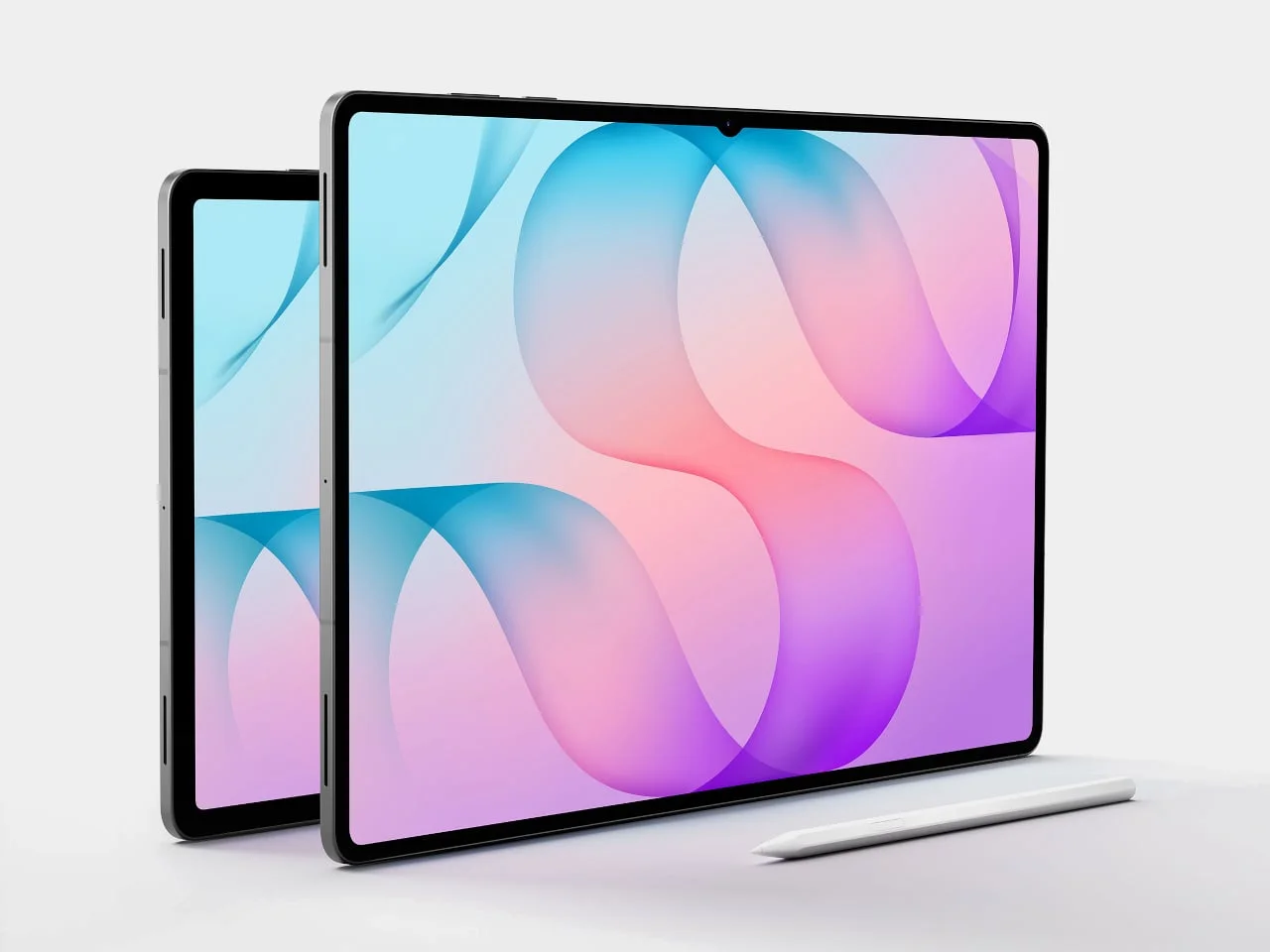
The launch of Samsung’s Galaxy Tab S12 series addresses a common challenge for professionals: capturing fleeting ideas and designs outside the office. With a design meant for mobility, these tablets combine large, high-quality screens with an included S Pen, making them an attractive option for artists and designers alike. This functionality seems especially tailored for those who often find themselves needing to sketch or jot down notes in unpredictable environments such as coffee shops, parks, or even meeting rooms that aren't equipped with tech.
Display and Design
The Tab S12 line showcases two models, the Ultra with a generous 14.6-inch screen and the S12+ at 12.6 inches. Both devices feature Dynamic AMOLED 2X displays with a refresh rate of 120 Hz, providing vibrant visuals and smooth interactions. The larger display of the Ultra is particularly advantageous for multitasking; you can sketch, take notes, and reference materials all at once. This multi-functionality should resonate well with users who often juggle multiple tasks, as the expansive screen real estate helps in reducing the need to switch back and forth between applications.
These tablets pack functionality in impressively thin profiles, with the Ultra measuring around 0.20 inches and the S12+ slightly thicker at 0.21 inches. Such a design allows easy transport, whether you’re moving between client meetings or working in a more casual setting. But there’s a trade-off here—while the slimmest designs can often be lightweight, they may compromise on thermal management or battery size. While the Ultra’s size provides ample workspace, the S12+ may be more comfortable for one-handed use in tighter spots. That’s a consideration for those users who might be sketching during a brainstorming session in a cramped cafe.
Functionality with the S Pen
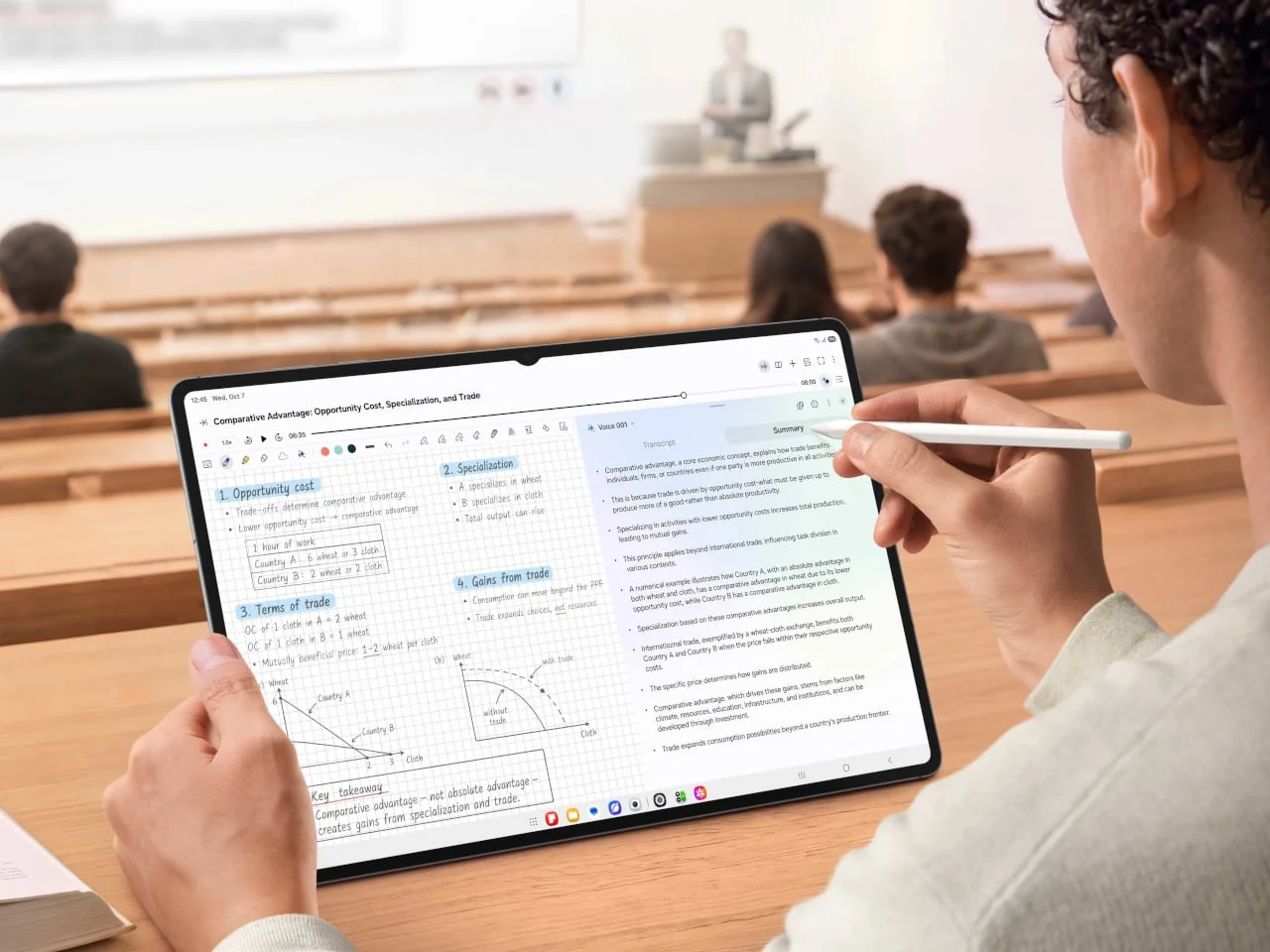
What sets the Galaxy Tab S12 apart is the included S Pen. This accessory transforms the tablet into a dynamic tool for sketching ideas, making annotations, or marking points of interest during discussions. While the S Pen doesn’t fully replace traditional mechanical processes of design, it does allow for immediate recording of thoughts that might otherwise slip away. It’s a relief for those who find themselves frustrated by lost ideas, as professionals can jot down notes on the fly without missing a beat in conversation or creativity. The pressure sensitivity and tilt recognition of the S Pen enhance this greatly, making it feel more like a traditional pen or pencil.
Versatile Workflows with Samsung DeX
In a more traditional setting, Samsung DeX enhances the user experience by offering a desktop-like environment. With DeX, users can switch between multiple workspaces effortlessly, making it easier to move from proposals to sketches without losing context. For professionals accustomed to a desktop experience, this transition could feel more familiar and efficient. If typing becomes necessary, hooking up a keyboard can turn the tablet into a more comprehensive workstation. But how well does it really coordinate with complex software? This is a question for many who might be considering this option for heavy-duty productivity tasks.
Moreover, the impressive display brightness—up to 1,600 nits—ensures visibility even in well-lit environments. However, be aware: maintaining this peak brightness may not be feasible across all content or usage durations. This could be particularly frustrating in outdoor settings where the sun is shining directly on the screen, and the ability to read fine details becomes compromised. This aspect can’t be overlooked by those constantly on the move.
Endurance and Power Management
For professionals on the move, battery life is as critical as screen dimensions. The Ultra is equipped with a larger battery compared to the S12+, and both models support fast 45W charging. But here's the thing: users should be mindful of their usage patterns, as engaging the full capabilities of these displays and features can drain battery life quicker than expected. You might find yourself opting to charge before extensive use out of sheer caution. Fast charging is fantastic, but if you’re in the middle of a project, a sudden drop in battery can disrupt the workflow significantly.
Significance and Future Outlook
The Galaxy Tab S12 series holds significance beyond just its specs. It provides a glimpse into how technology is evolving to meet the needs of modern professionals. The focus on portability and functionality suggests that manufacturers recognize the increasing trend of remote work and the need for flexible solutions—that is, tools that cater to a life spent both in and out of the office. If you're working in this space, keeping an eye on Samsung's updates could be key to ensuring your equipment is aligning with new workstyles.
As the lines between personal and professional devices blur, features like the S Pen might become standard rather than niche. The emphasis on multitasking capabilities and productivity features speaks volumes about where the market is heading. Companies have begun to realize that the craftsmanship of mobile devices must cater to a workforce that values both efficiency and creativity. In this space, tablets like the Galaxy Tab S12 might not just serve as secondary devices; they could become essential tools for a diversified range of professionals.



Discussion
Sign in to join the discussion.