The Zeno 2 pairs an 8.68-inch screen with expandable storage, a headphone jack and IP54 protection, while its modest display and battery set clear limits.
A compact tablet built around everyday access
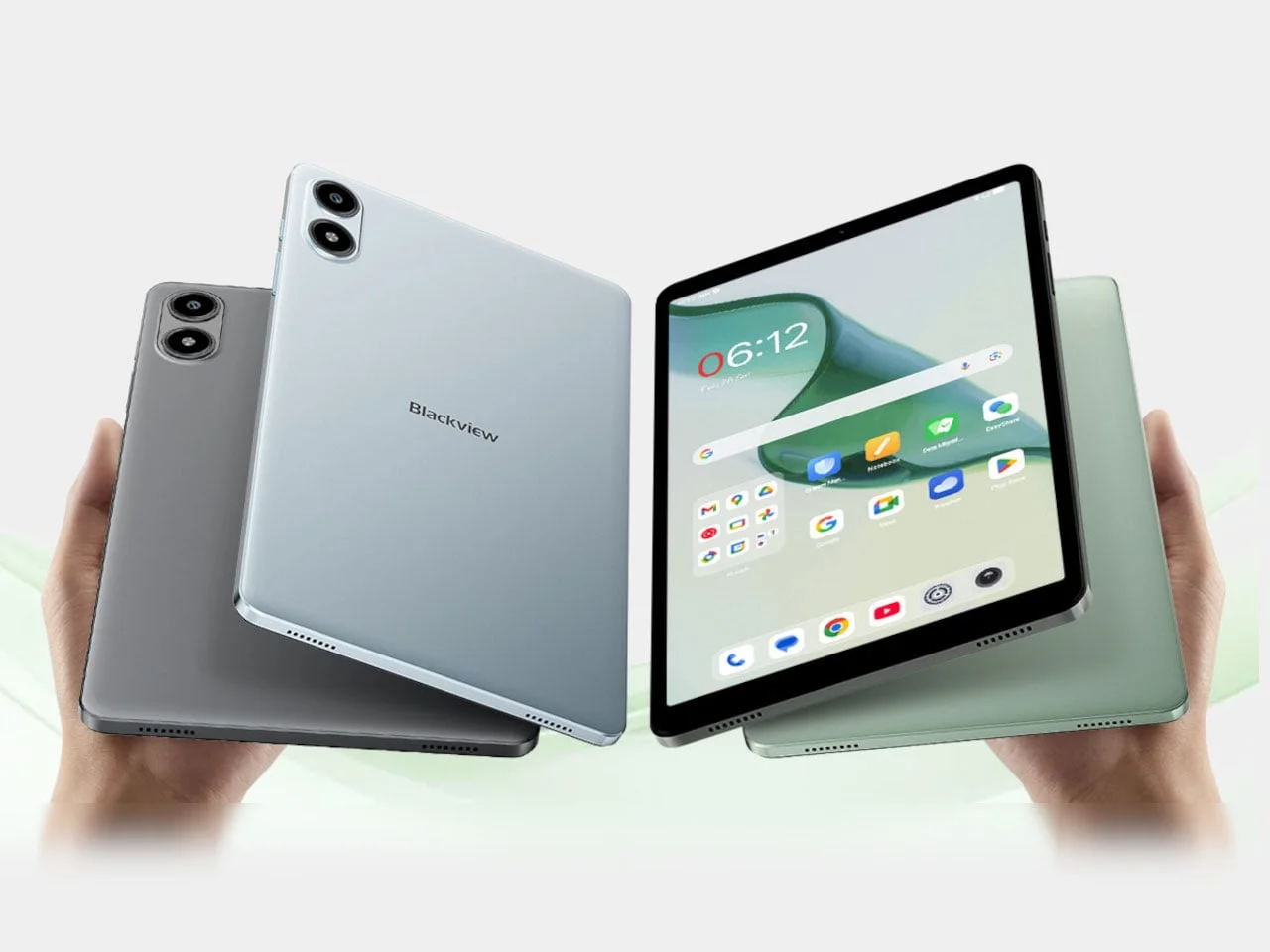
Blackview’s Zeno 2 makes its case through portability and practical connections. At 8.68 inches and 11.7 ounces, it’s sized for reading and casual viewing on the go, with a 3.5mm headphone jack and expandable storage that keep everyday use from depending entirely on wireless accessories or an internet connection. That’s a straightforward pitch: carry a small screen, bring your own wired headphones, and keep media on the device.
Those details matter because compact tablets often ask buyers to accept trade-offs in screen area and endurance. A headphone jack can remove the need to charge or pair a separate accessory, while local storage gives downloaded books, music, and video a place to live when a connection is unavailable. Neither feature changes the tablet’s performance, but together they make its intended use easier to understand.
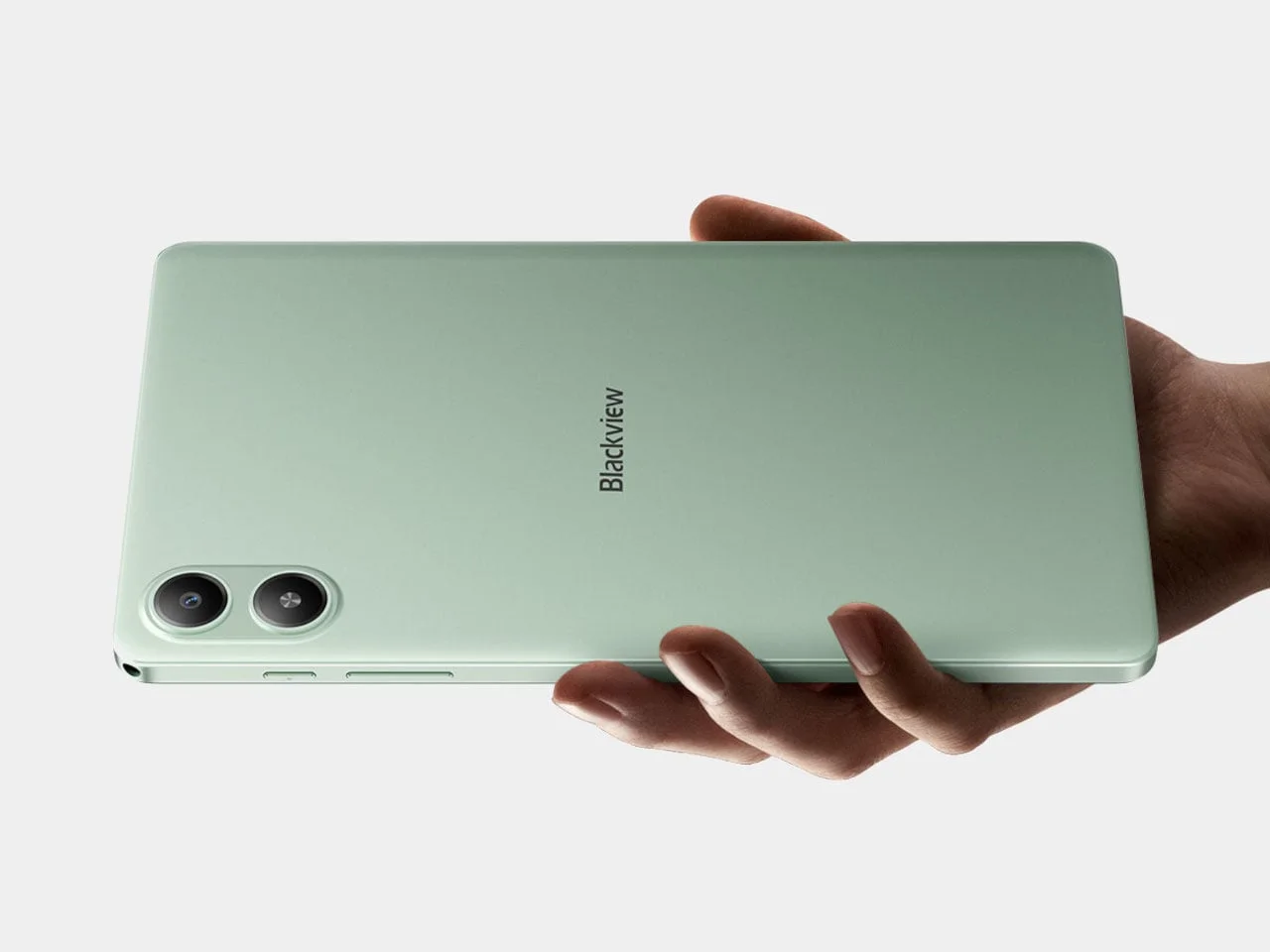
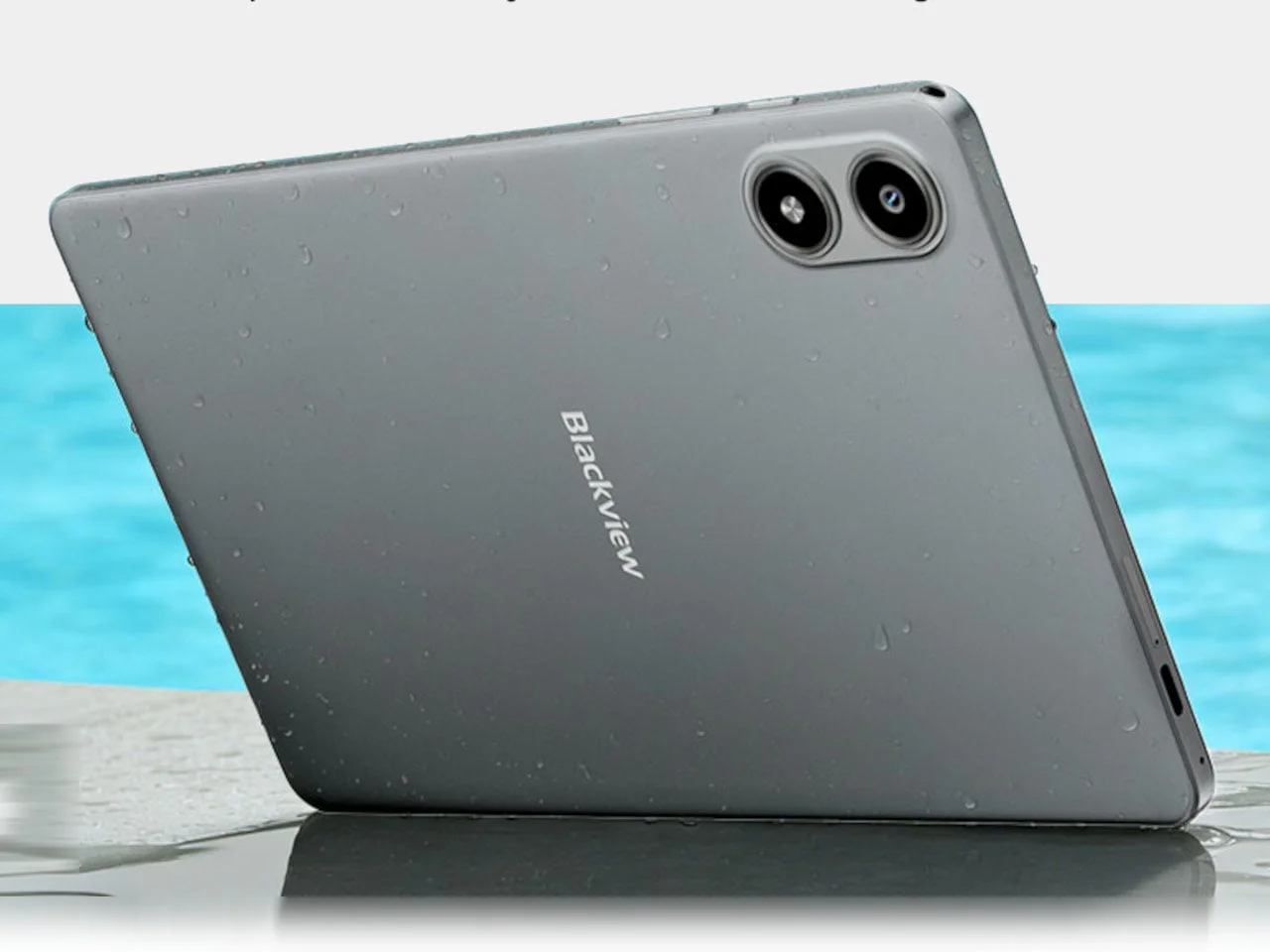
Its compact proportions—about 8.38 by 4.94 inches and 0.33 inches thick—should fit smaller bags and leave room for other gear. Flat sides and rounded corners keep the design simple; Midnight Black, Glacier Blue and Mint Green are the available finishes. The dimensions suggest a device that can be picked up for a short reading session or tucked away after use, rather than one built to replace a laptop on a desk.
Designer: Blackview
A screen for reading, with limits
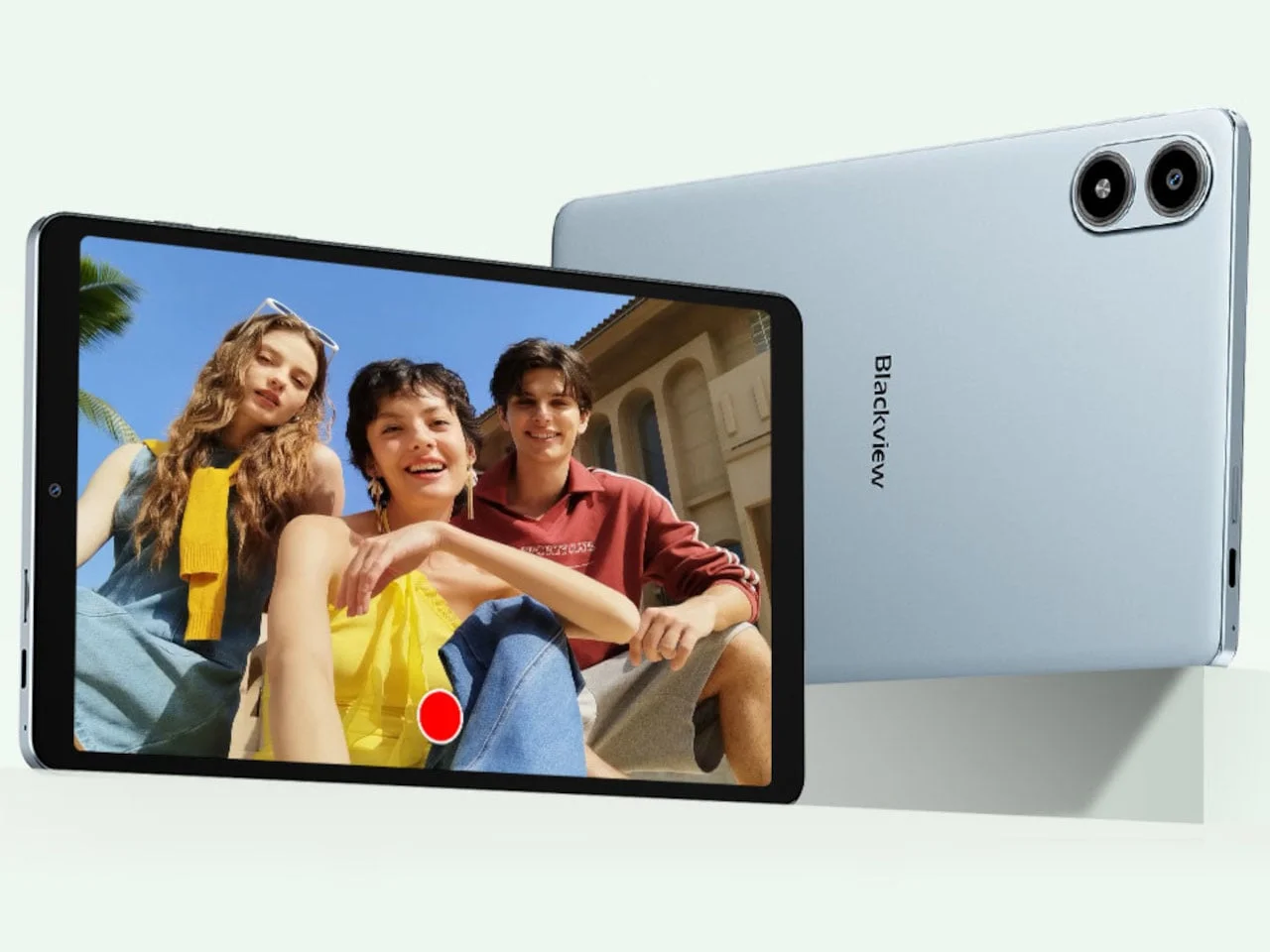
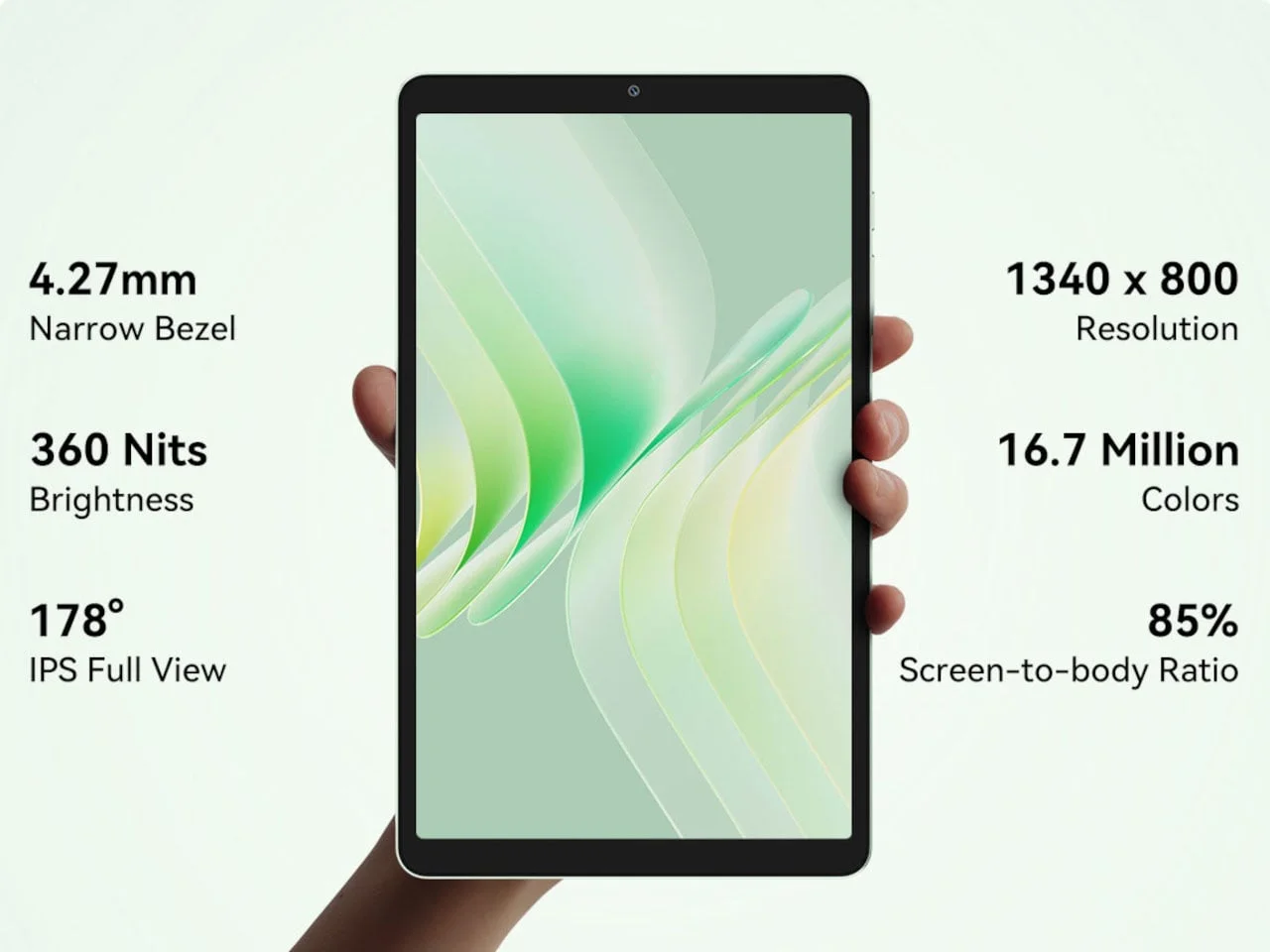
The 1,340 × 800 IPS LCD works out to roughly 180 pixels per inch, so fine text won’t look especially sharp. Its 60Hz refresh rate is standard, and Reading Mode adjusts the display without changing its nature: this is a backlit LCD, not an e-paper screen. That distinction is central to the reading pitch. The panel can show color and video, but it won’t offer the paperlike appearance or inherently non-emissive viewing experience associated with e-paper.
For novels, articles, and larger interface text, the resolution may be adequate, particularly at this screen size. Small type and detailed page layouts are less forgiving, and users who spend long stretches reading may care more about display character than portability. Reading Mode may alter the viewing experience, but it can’t add pixels or turn the LCD into a different display technology.
For offline use, the Zeno 2 offers 128GB of built-in storage and microSD expansion up to 2TB. Dual speakers support listening without headphones, while the headphone jack accommodates wired sets directly. That combination suits downloaded books, music and video, particularly when the tablet is away from a reliable connection. The storage ceiling is generous in principle, though how useful it is depends on what a buyer keeps locally and whether the device handles those files comfortably.
If you're choosing a tablet mainly for reading, the display is the specification to weigh most carefully. Here's the thing: the Zeno 2 offers flexibility across books, audio, and video, but its screen is a compromise shared by many low-cost compact devices. Practical, but not a specialist reader.
Light productivity, modest hardware
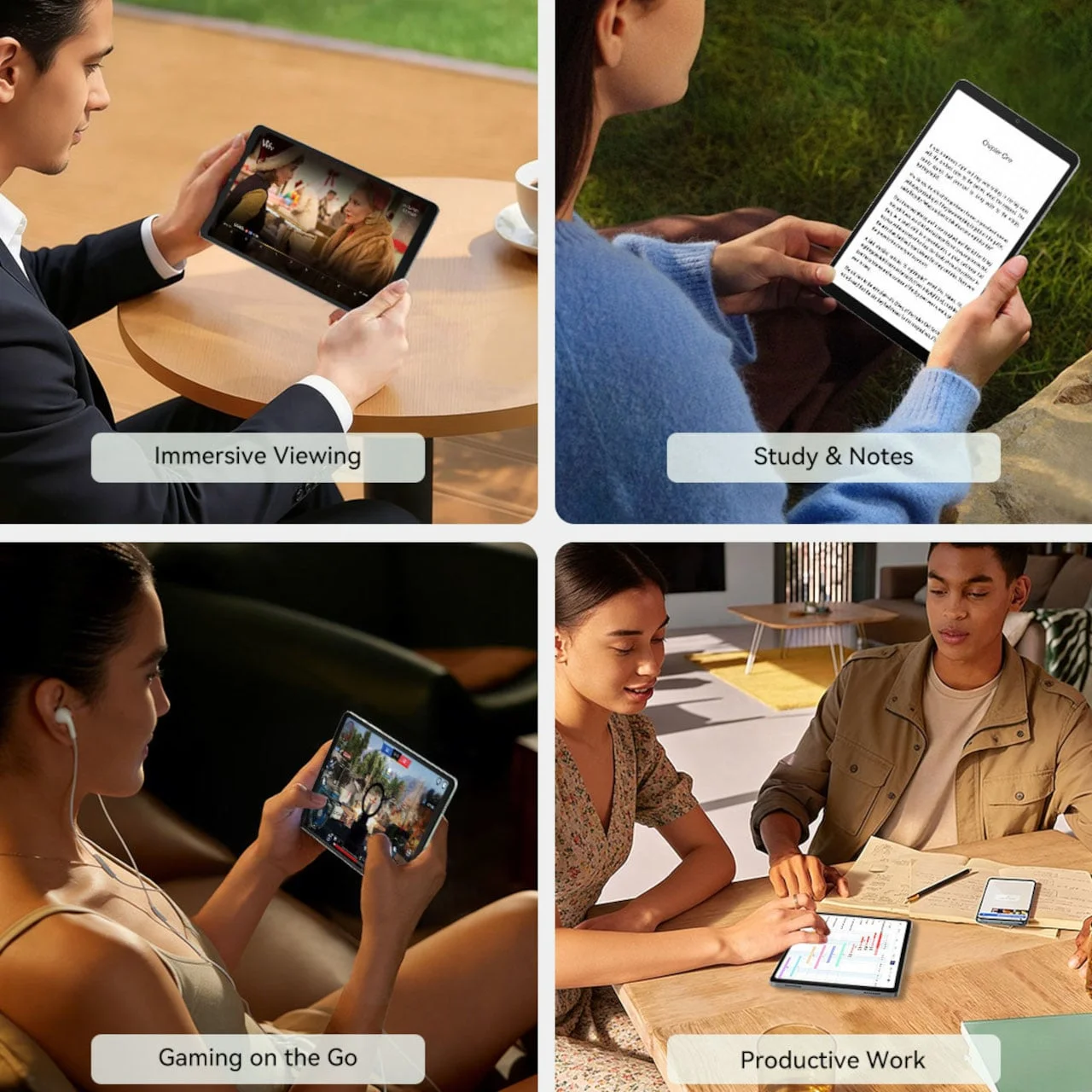
DokeOS_P 5.0, based on Android 16, adds split-screen viewing and comes with WPS Office. Those features can help with a reference and a document, though the 8.68-inch panel leaves both apps with limited space. A quad-core Unisoc Tiger T310 and 4GB of physical RAM point to basic tasks rather than demanding workloads. The software can present two tasks at once, but that doesn’t mean the screen or hardware will make working across them comfortable for long.
On a compact tablet, split-screen is most useful for brief comparisons: checking a source while writing a note, for example, or keeping a document open beside a simple reference. The smaller workspace calls for more scrolling and switching than a larger tablet would. WPS Office adds familiar document tools, yet the presence of office software alone says little about how smoothly complex files or heavier multitasking will run.
Blackview’s 16GB memory figure includes 12GB of virtual expansion; it doesn’t represent 16GB of physical RAM. Virtual memory can reserve storage to support background tasks, but it isn’t equivalent to additional physical memory. That distinction matters when judging a product listing, especially for buyers comparing headline figures across devices.
Retail listings are available outside the US, but US pricing and availability haven’t been confirmed. Until those details emerge, it’s difficult to judge the tablet’s value against its modest specifications. This is more significant than it looks: a basic device can make sense at the right price, while the same hardware becomes harder to recommend if it costs close to more capable alternatives.
Portability comes with a battery trade-off
The IP54 rating covers dust and splashing water, not submersion. That offers some reassurance for everyday settings such as a kitchen counter, where a stray splash is possible. It shouldn’t be read as permission to expose the tablet to water casually; the rating describes limited protection, and the source doesn’t claim more than that.
Blackview also includes a cover and tempered-glass screen protector, though they don’t promise protection against repeated drops. They’re useful additions for routine handling, where a cover can help shield the body and a protector can guard the display from some surface damage. But accessories can’t change the limits of the device’s water rating or guarantee survival after a fall.
A 5,000mAh battery is another constraint. Blackview’s laboratory estimates are 5.5 hours of video playback and six hours of browsing, so the Zeno 2 looks better suited to shorter sessions than a full day of continuous use. Laboratory figures provide a point of reference, not a promise: actual runtime will depend on settings and how the tablet is used. Still, the estimates make the battery a clear limit for buyers who expect to stream or browse for long stretches away from an outlet.
Its 5W reverse charging can top up another device, but that draws from the same battery meant to power the tablet. The feature may help in a pinch, though the low output and limited capacity make it a backup convenience rather than a substitute for a dedicated charger. And this is the part most people overlook: adding another job to a small tablet’s battery can cut into the time it has left for its primary one.
A portable screen with a short leash.
What the Zeno 2’s trade-offs mean
The Zeno 2 is easiest to assess as a secondary, personal device: a place for downloaded media, occasional browsing, and simple documents in a small package. Its jack, microSD slot, and included accessories all support that everyday role. The display resolution, entry-level processor, limited physical RAM, and battery estimates set firm boundaries around it.
That said, the product’s appeal depends heavily on how those boundaries meet the asking price, which remains unconfirmed in the US. If you're working in this space, you’ll recognize the familiar challenge: compact hardware can be useful when its compromises match a specific routine, but feature lists don’t establish value on their own. The Zeno 2 has a coherent set of conveniences; whether that adds up to a worthwhile purchase will depend on pricing and on how much time you expect to spend reading, streaming, or multitasking.
The post Blackview’s Zeno 2 Tablet Stays Small Without Losing the Headphone Jack first appeared on Yanko Design.

Discussion
Sign in to join the discussion.