Satechi’s $119.99 ExtendView connects two 4K monitors and accessories, with a slot that keeps its attached USB-C plug in place for travel.
A portable alternative to a full dock
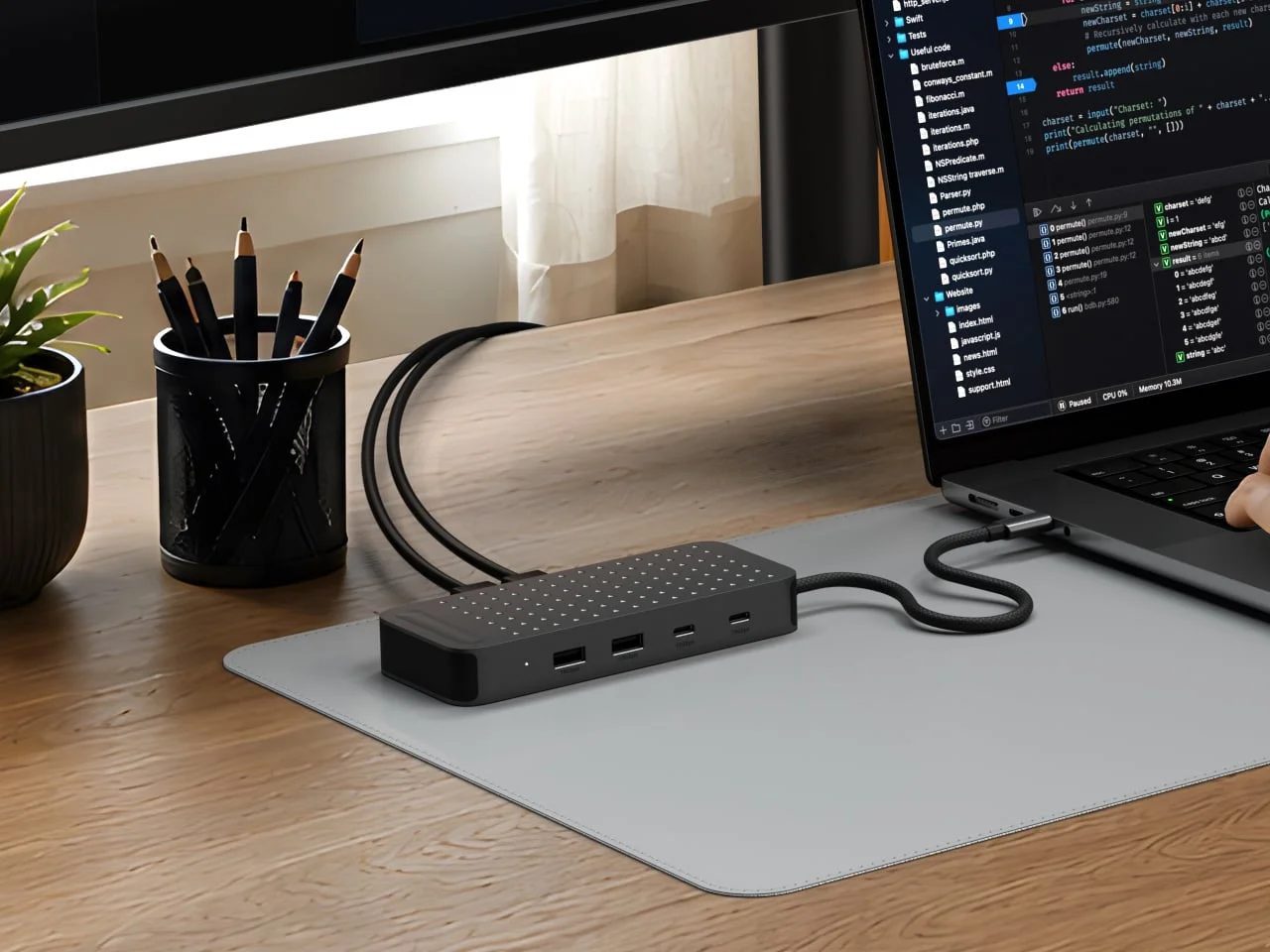
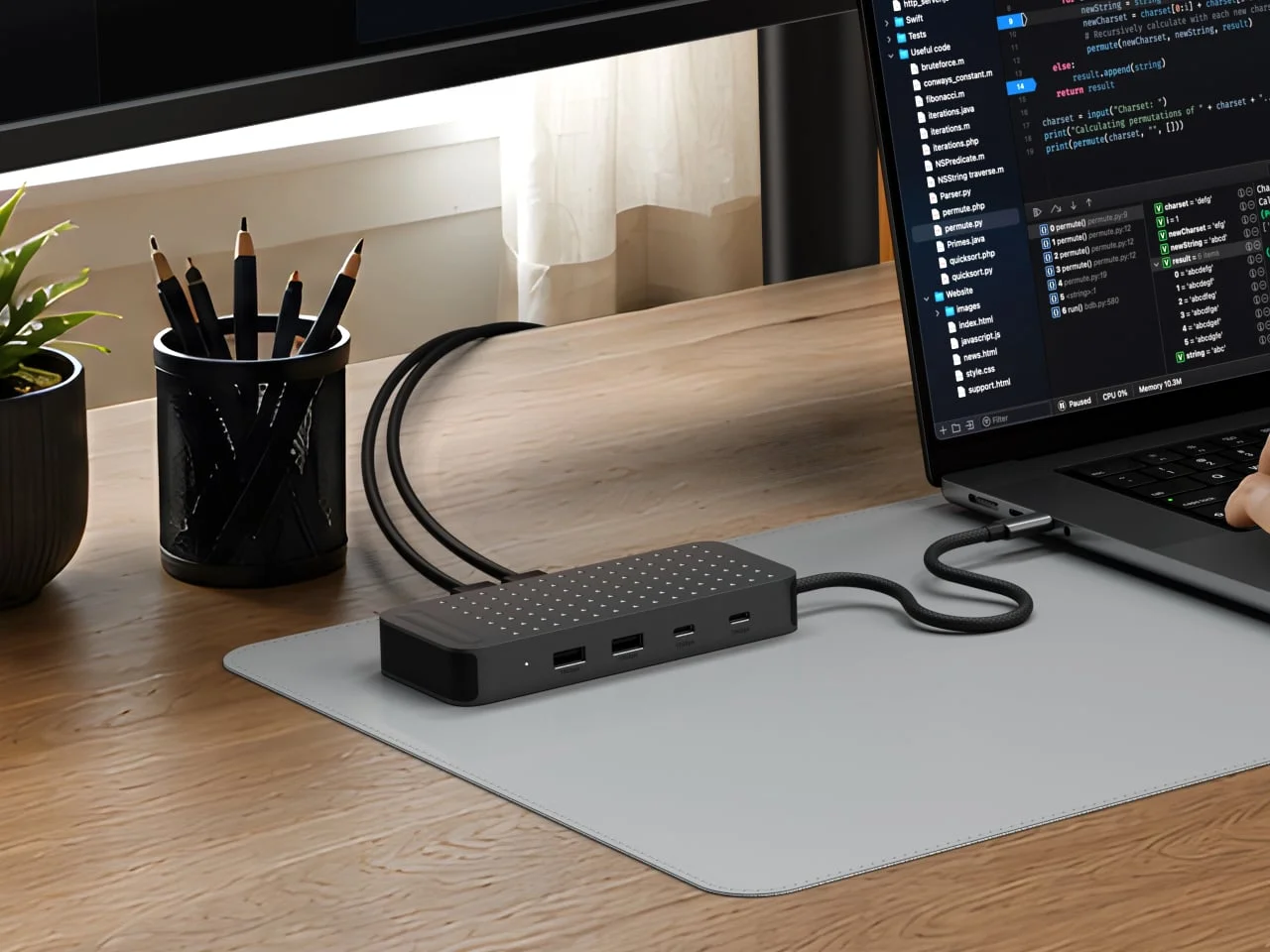
Satechi’s ExtendView USB4 Dual HDMI Multiport Adapter pairs a familiar desk setup—two external monitors and several accessories on one laptop connection—with a practical detail for travel: a slot that holds its attached USB-C plug when the adapter is packed away. At $119.99, it’s aimed at people who move between workspaces and want a compact alternative to a desktop dock, rather than a permanent replacement for one with a larger selection of ports.
That distinction matters. A desktop dock usually stays connected to a monitor, keyboard, storage and power, while a travel adapter has to balance port count against size, cable management and the inconvenience of carrying another box. The ExtendView is built around that compromise: it offers display support and everyday connectivity without requiring a separate docking station to sit on a desk.
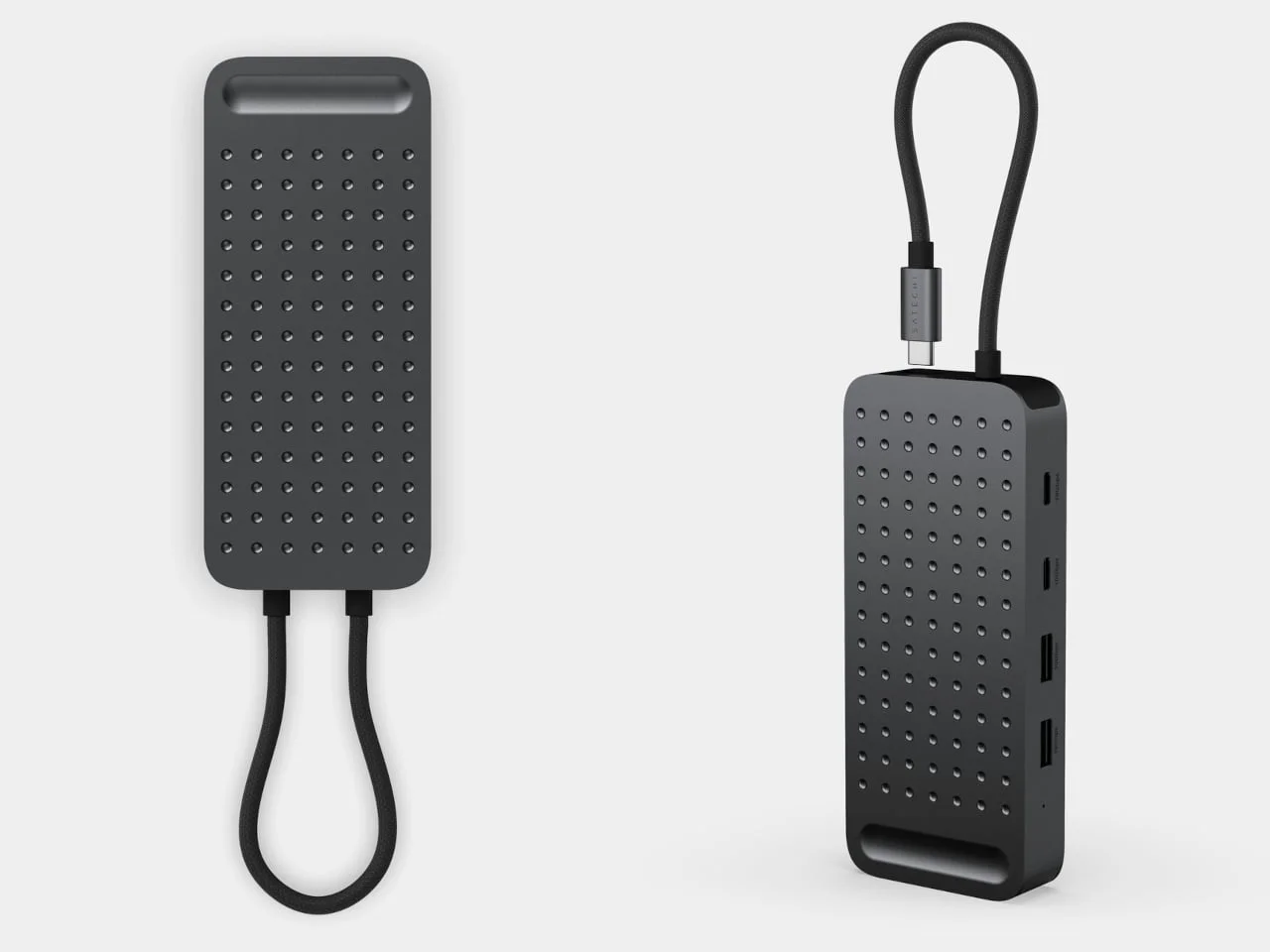
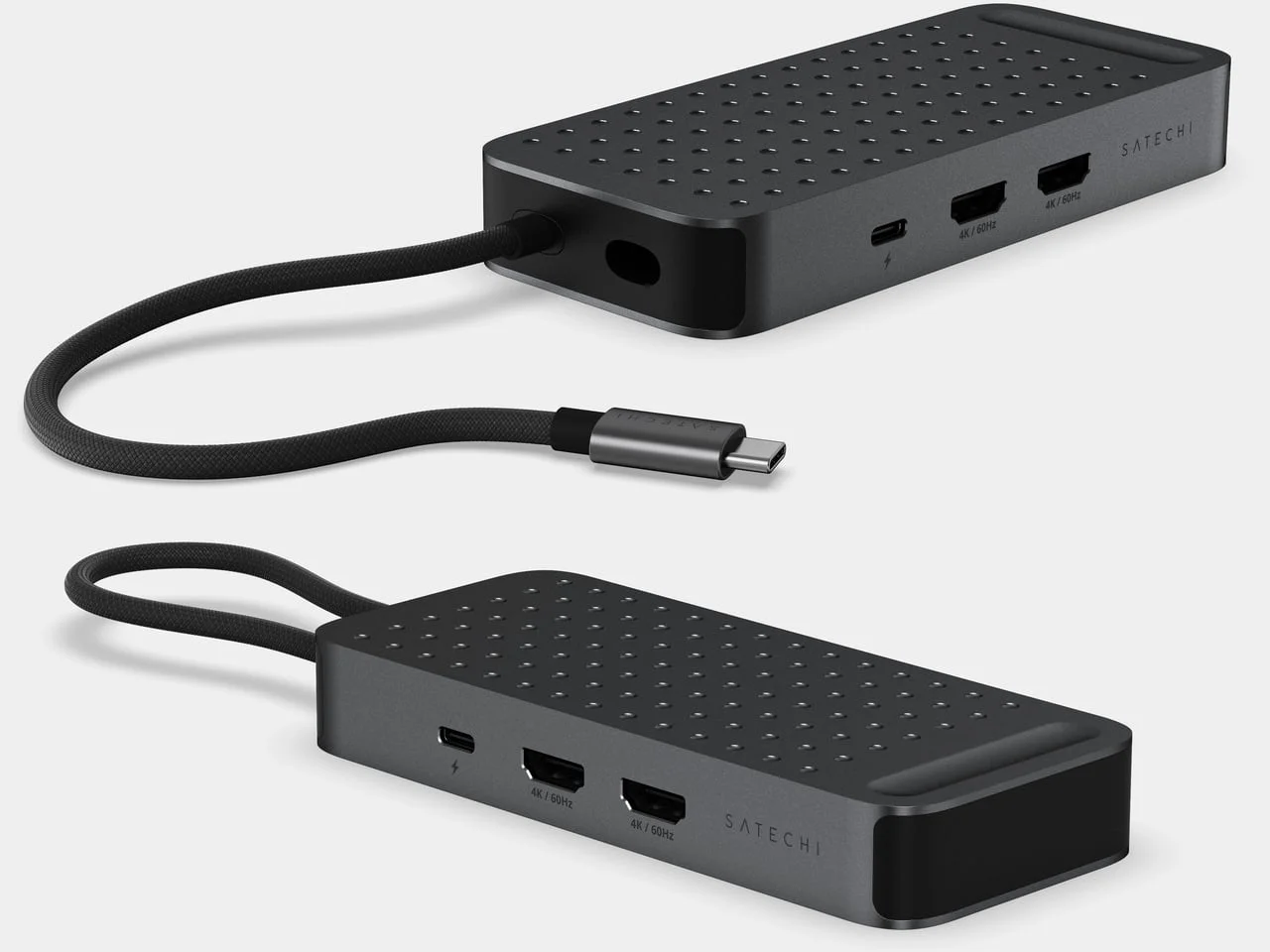
The Space Black anodized aluminum body has rounded corners and a dotted surface pattern. Ports sit along both long edges, placing monitor and power connections apart from the USB ports used for everyday accessories. That arrangement should make a crowded setup easier to sort out, since display cables and charging leads won't have to occupy the same side as a drive, mouse receiver or other small peripheral.
The finish also signals the product’s intended setting. It looks suited to a modern laptop desk, but the more meaningful design choice is functional: the adapter is small enough to travel with, while the separated port groups reduce some of the cable clutter that can make compact hubs frustrating to use.
Designer: Satechi. The design doesn't try to hide what the product is; it presents the adapter as a compact piece of desk hardware with a travel feature built into its body.
Two displays, with compatibility caveats
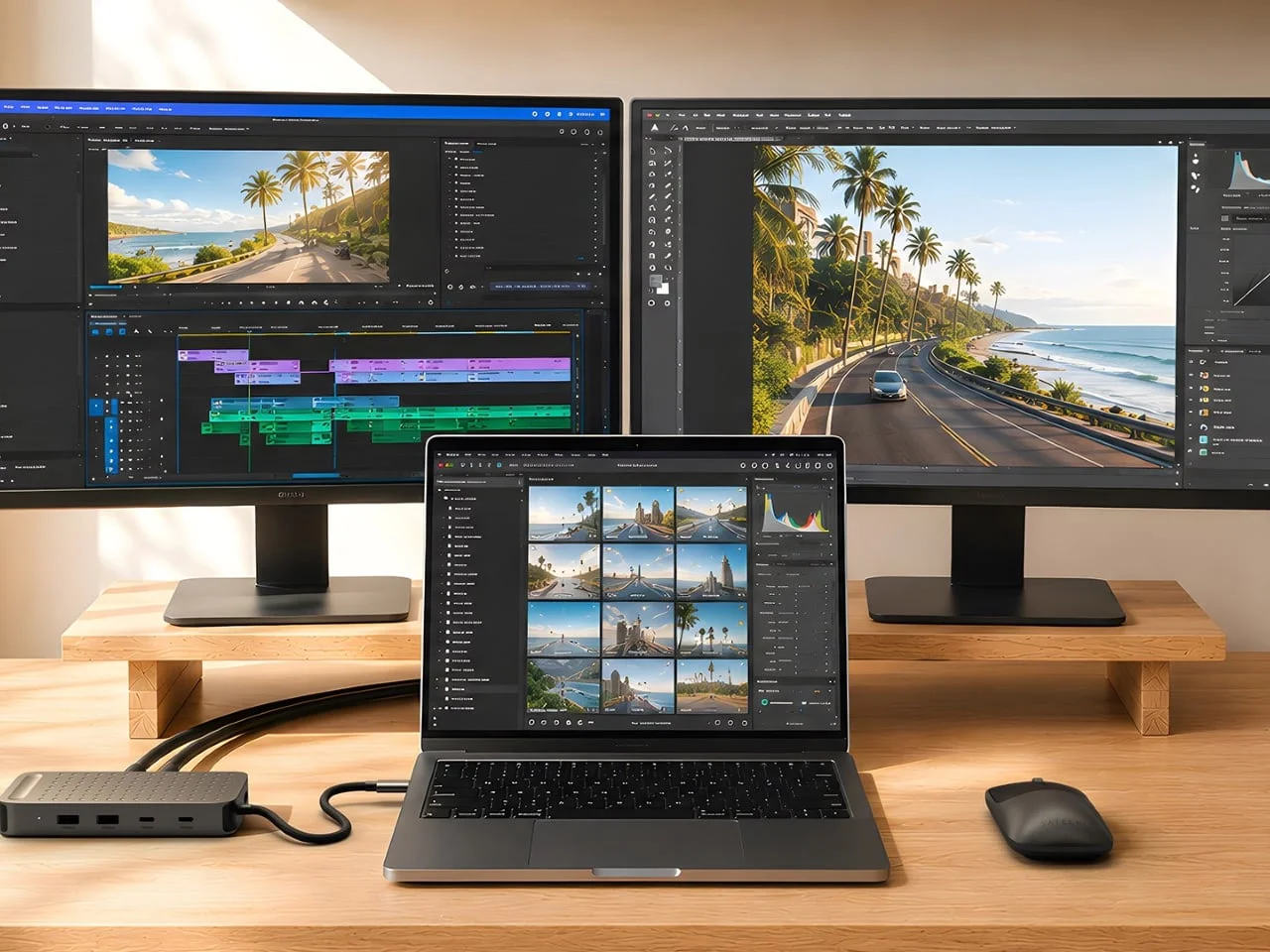
The two HDMI ports support separate extended displays at up to 4K resolution and 60Hz each. That lets users keep, for example, an editing timeline on one screen and reference material on another, or place communication tools on one display while working on the other. Separate extended screens are more useful than simple mirroring for multitasking because each monitor can hold its own workspace.
Satechi says compatible computers can use the adapter without DisplayLink software or additional drivers, relying on their USB4 display capabilities. That can make setup cleaner, particularly for people who don't want a software layer managing their monitors. It also means the adapter's advertised capability shouldn't be read as a guarantee that every laptop with a USB-C port will support two screens.
That setup depends on the computer, not just the adapter. Base M3 MacBooks need to be used with their lids closed to run two external displays, while base M1 and M2 Mac laptops support only one. A USB-C port by itself doesn't guarantee dual-display support; the computer needs a suitable USB4 connection and the ability to drive both screens through it.
Those limitations are easy to miss when shopping by port names alone. USB-C describes the connector, not the complete set of capabilities behind it, and similar systems typically vary in how they handle video output, charging and data at the same time. If you're working in this space, check the exact laptop model before treating the adapter as a two-monitor purchase.
Here's the thing: the display specification is impressive only when the host computer can actually deliver it. For an owner of a compatible machine, two 4K screens without DisplayLink may be a meaningful advantage. For someone using a machine with limited external-display support, the second HDMI port could remain unusable no matter how capable the adapter appears on paper.
Ports for drives and a plug that stays put
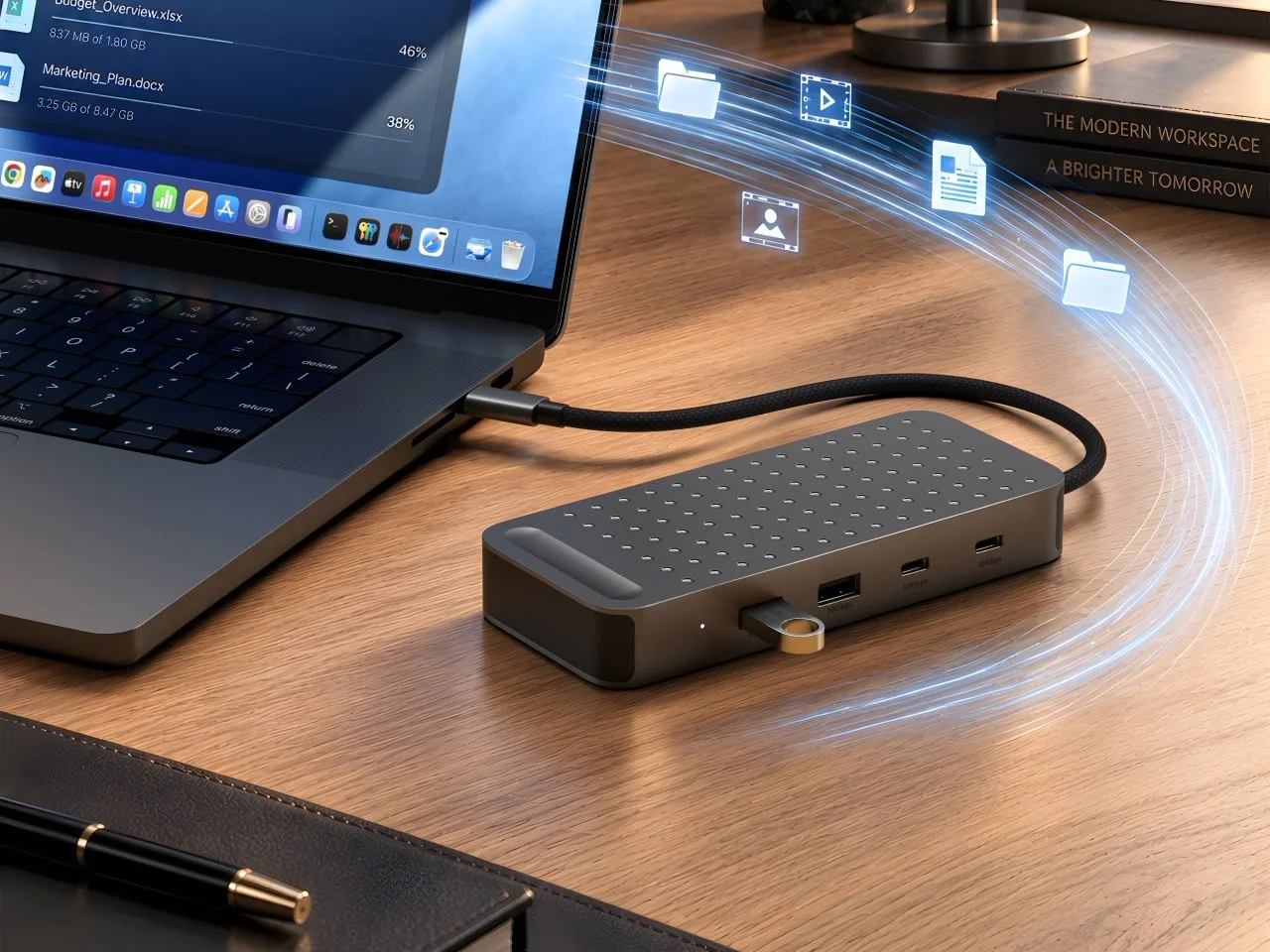
For peripherals, the ExtendView includes two USB-A ports and two USB-C data ports, all rated for speeds up to 10Gbps. The USB-C data ports don't carry video, so they shouldn't be confused with the adapter's host connection. The layout leaves room to connect an external drive and other accessories while keeping display cables on the opposite edge.
That mix reflects the reality of many workstations. USB-A remains common for keyboards, mice and other established accessories, while USB-C is increasingly used for storage and newer peripherals. Four ports give the adapter more flexibility than a basic display dongle, although users with several high-bandwidth devices will still need to think about how much traffic is passing through the single laptop connection.
The 10Gbps rating describes the port capability, not a promise that every connected drive will reach that speed. Actual performance can depend on the accessory, the cable, the laptop and whether multiple devices are active at once. That isn't a flaw unique to this adapter; it's a normal constraint of compact hubs that combine several functions behind one host link.
Power delivery calls for a closer read of the specifications. The advertised 140W figure is the adapter's maximum incoming power; Satechi's documentation lists up to 125W for the laptop, with roughly 15W used by the adapter. Reaching the maximum requires an appropriate charger and cable, and the laptop also affects how much power it receives.
That gap between the headline figure and the laptop figure is the kind of detail buyers should examine before replacing a charger or dock. The adapter can accept substantial power, but some of it is consumed by the adapter itself, and the computer may impose its own limit. In practical use, the result is pass-through charging rather than a guarantee that every laptop will receive the full advertised amount.
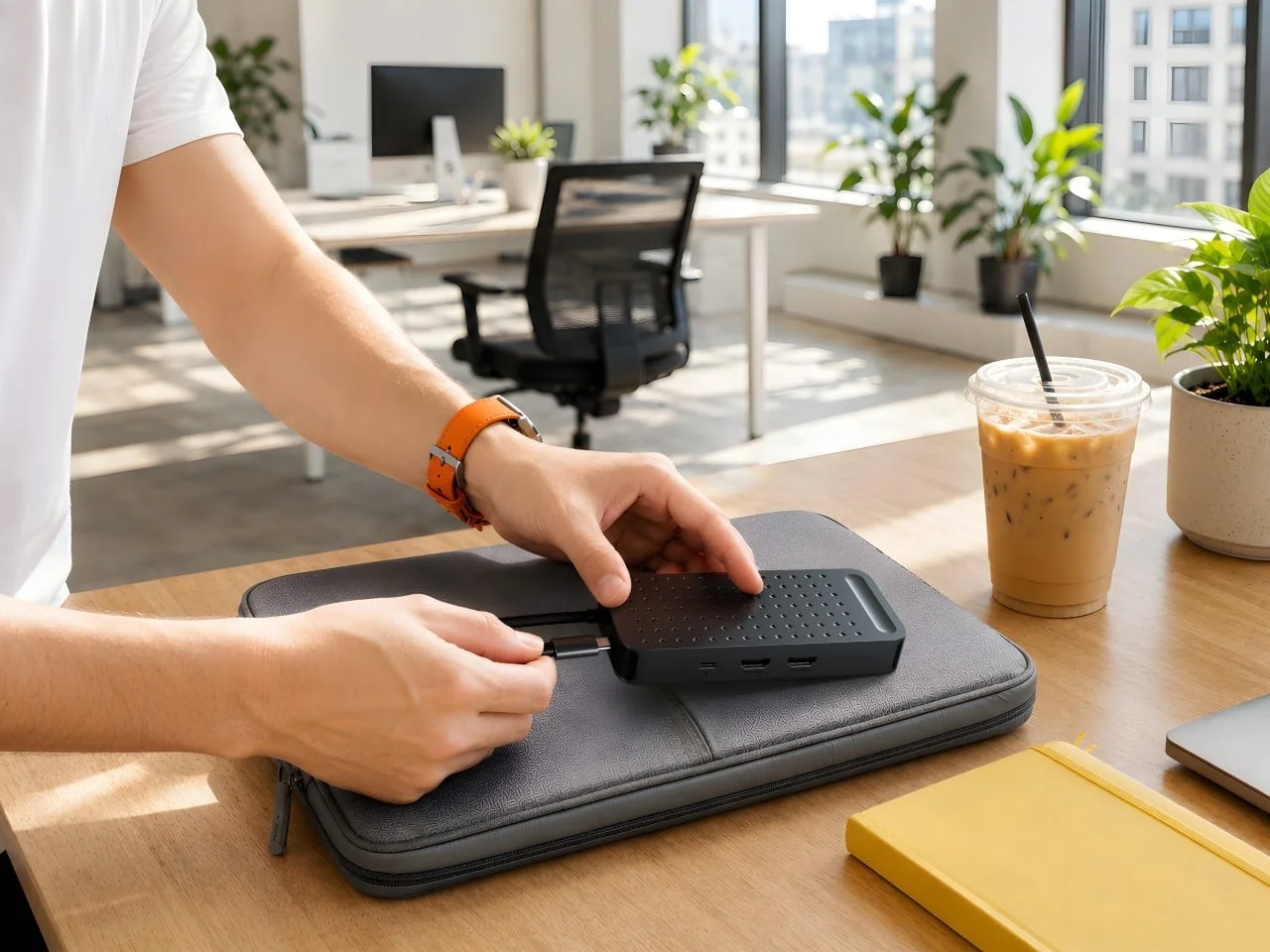
The braided nylon cable is attached to the body, and its connector folds into a storage slot. That keeps the plug from swinging loose in a bag, a useful touch for people who carry the adapter between desks. The tradeoff is that the lead can't be unplugged and replaced if it gets damaged.
That fixed cable is both the most distinctive physical feature and the clearest maintenance compromise. A removable lead is easier to replace and can be swapped for a different length, but it also creates another loose component to pack. The parking slot addresses a small annoyance that frequent travelers know well: the connector won't dangle around the adapter or catch on other items in a bag.
Small detail. Significant in daily use.
Who should consider it?
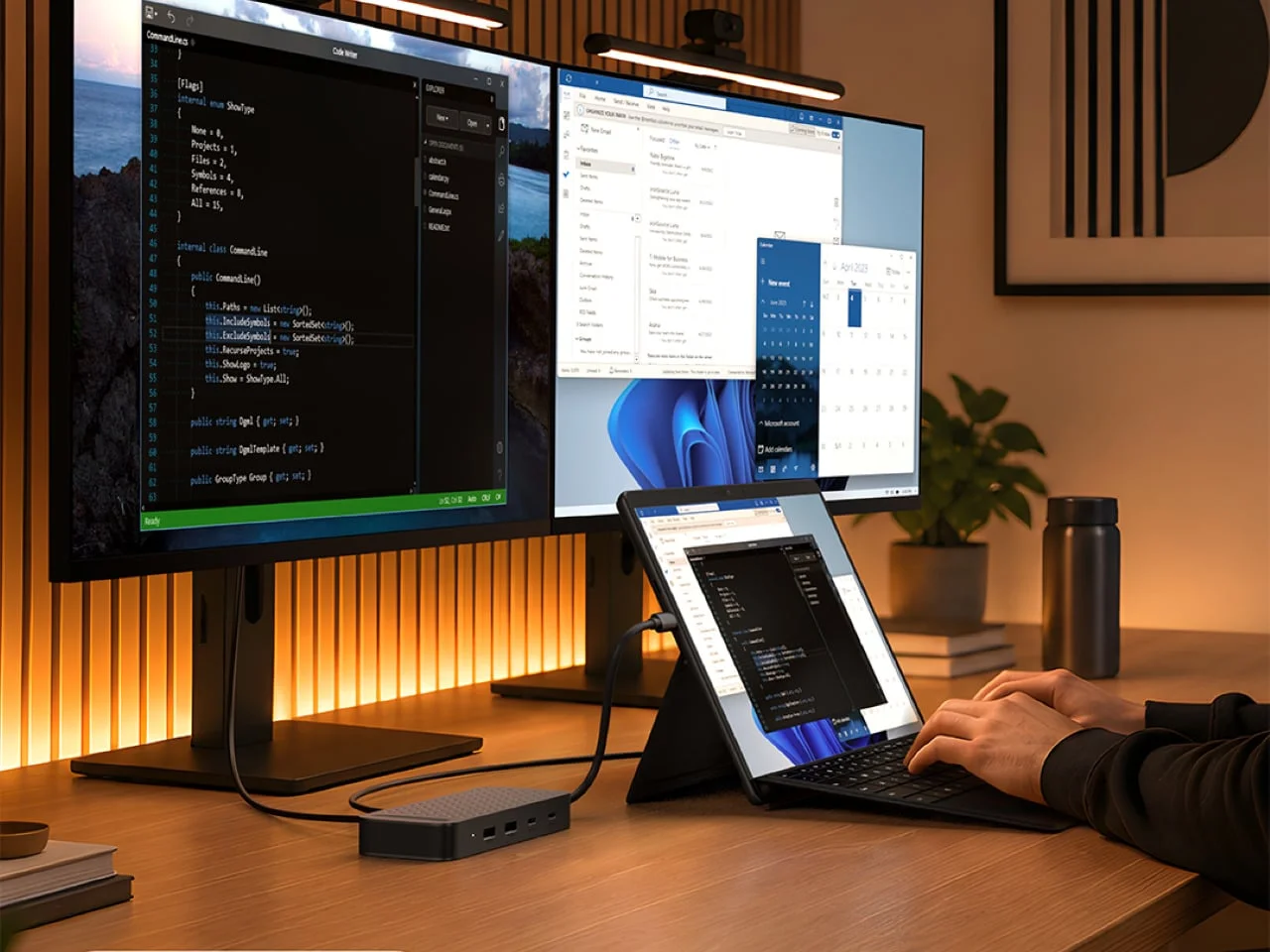
The ExtendView's appeal rests on whether a laptop can use its dual-display support and whether the attached cable suits the owner's routine. For compatible systems, it combines two 4K display connections, accessory ports and pass-through charging in a compact package, with a small storage feature that makes carrying it less awkward.
This is more significant than it looks for people who alternate between a home office, a company desk and temporary workspaces. The adapter doesn't eliminate the need to verify computer compatibility, and it won't match a full dock for port variety, but it targets a specific problem: getting a two-screen setup and basic accessories working from one laptop connection without carrying a larger desktop unit.
The $119.99 price places more pressure on those details. Buyers aren't paying only for a set of ports; they're paying for the dual-display architecture, the aluminum enclosure and the attached cable with its storage slot. If you need only one monitor and a few basic accessories, a simpler hub may be easier to justify. If you regularly move between desks and your laptop supports the required display mode, the design makes a stronger case.
Implications for portable workstations
The product reflects a broader shift in how laptops are being used: the computer travels, while the desk still needs a monitor-heavy setup when the user arrives. Accessories in this category are trying to bridge those two habits, but their value depends heavily on the host machine rather than on the adapter alone.
That dependency puts more responsibility on buyers. A product page can list two HDMI ports and two 4K outputs, yet the experience still comes down to the laptop's USB4 implementation, display limits and charging behavior. What this means for you is simple: confirm the computer's external-display support first, then judge the adapter's port layout and cable design.
And yet, the physical choices are sensible. Separating display and accessory ports, keeping the attached connector in a dedicated slot and including both USB-A and USB-C data ports all address ordinary annoyances rather than chasing a long specification sheet. The result isn't a universal dock, but it may be a well-targeted travel tool for the right machine.
The post Satechi’s Dual-Monitor Adapter Gives Its USB-C Plug a Parking Spot first appeared on Yanko Design. The product's central pitch remains narrow: portable dual-monitor connectivity, practical accessory ports and a cable that stays under control when the adapter isn't in use.



Discussion
Sign in to join the discussion.