Casio’s CT-FS1 adjusts notes to a song’s harmony, making casual play-along easier, with a few tradeoffs for learners and music library access.


Casio’s CT-FS1 starts from a familiar beginner’s frustration: knowing what you want to play before knowing which keys will get you there. Its Feel Sync feature adapts the notes you play to match a song’s harmony, aiming to let a new player join in before learning chords. That shifts the keyboard’s purpose from practice alone toward casual music making in a shared room.
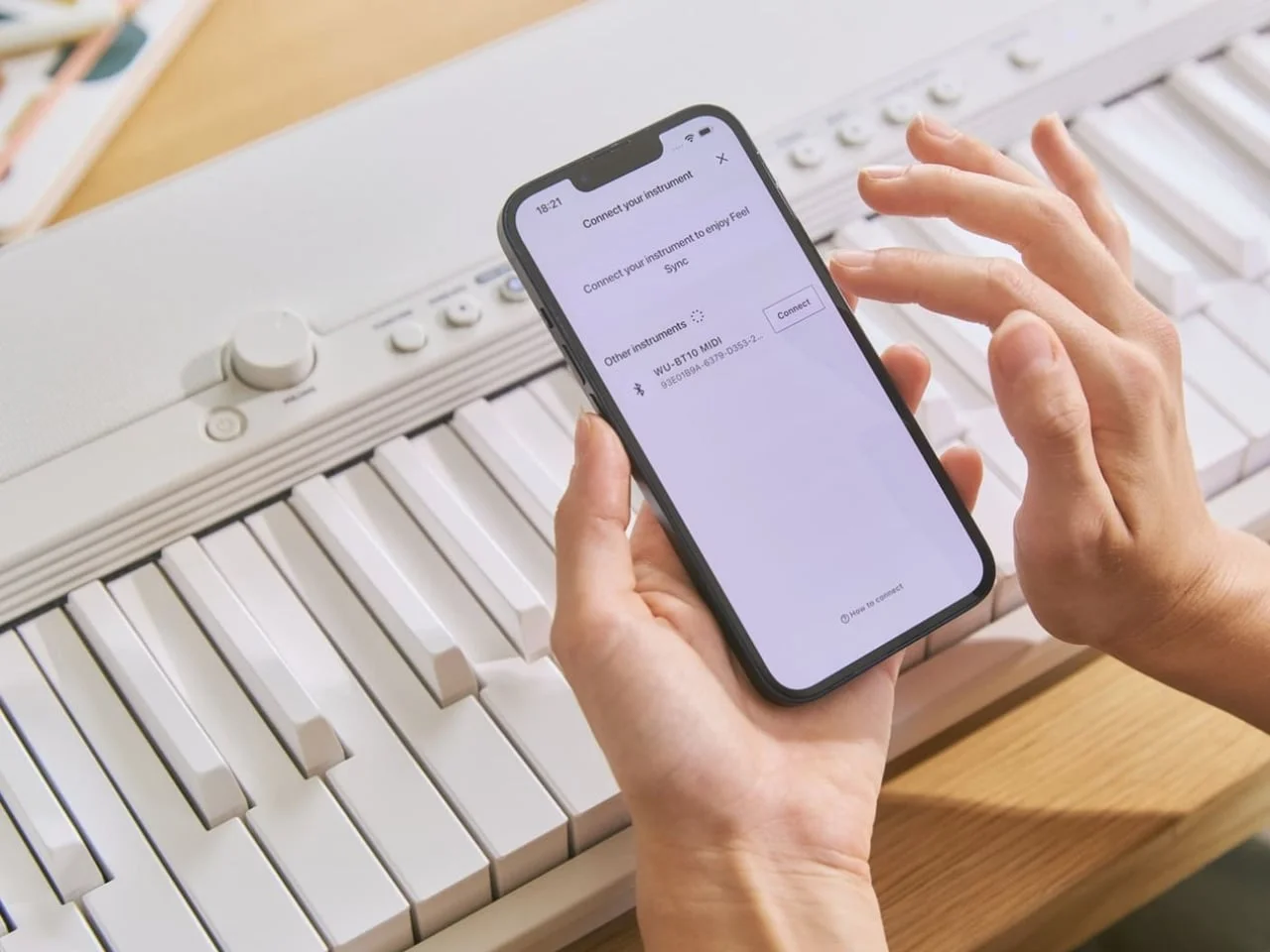
Casio says its companion app analyzes a recording’s chords, melody, and rhythm, then adjusts the keyboard’s pitches as you play. You still control timing, touch, and how many notes to press, so the result isn’t a fully automated performance. The system handles some harmonic choices while leaving the player to shape an accompaniment through rhythm and dynamics. That division may lower the barrier to starting, though it also means the keyboard is guiding the musical result.
Designer: Casio

The assistance has a clear boundary. A keyboard that steers notes toward a song’s harmony isn’t teaching the song or building the muscle memory needed to play it unaided. Feel Sync’s performance across different recordings also remains to be tested, including how well the app interprets songs with less predictable arrangements. Casual music making is a valid goal in itself, though, and reducing the decisions facing a first-time player may help them get started. A low-pressure first step.
A pared-back look, with a learning tradeoff
The CT-FS1 comes in Midnight Black or Alpine White, with the same color covering its case and all 61 keys. There’s no display on the top panel, which gives the instrument a quieter presence than many keyboards and keeps its surface visually simple. That restrained design suits a model intended to sit in a shared room rather than claim a permanent studio setup. It’s a product meant to be visible without looking like a piece of practice equipment demanding attention.
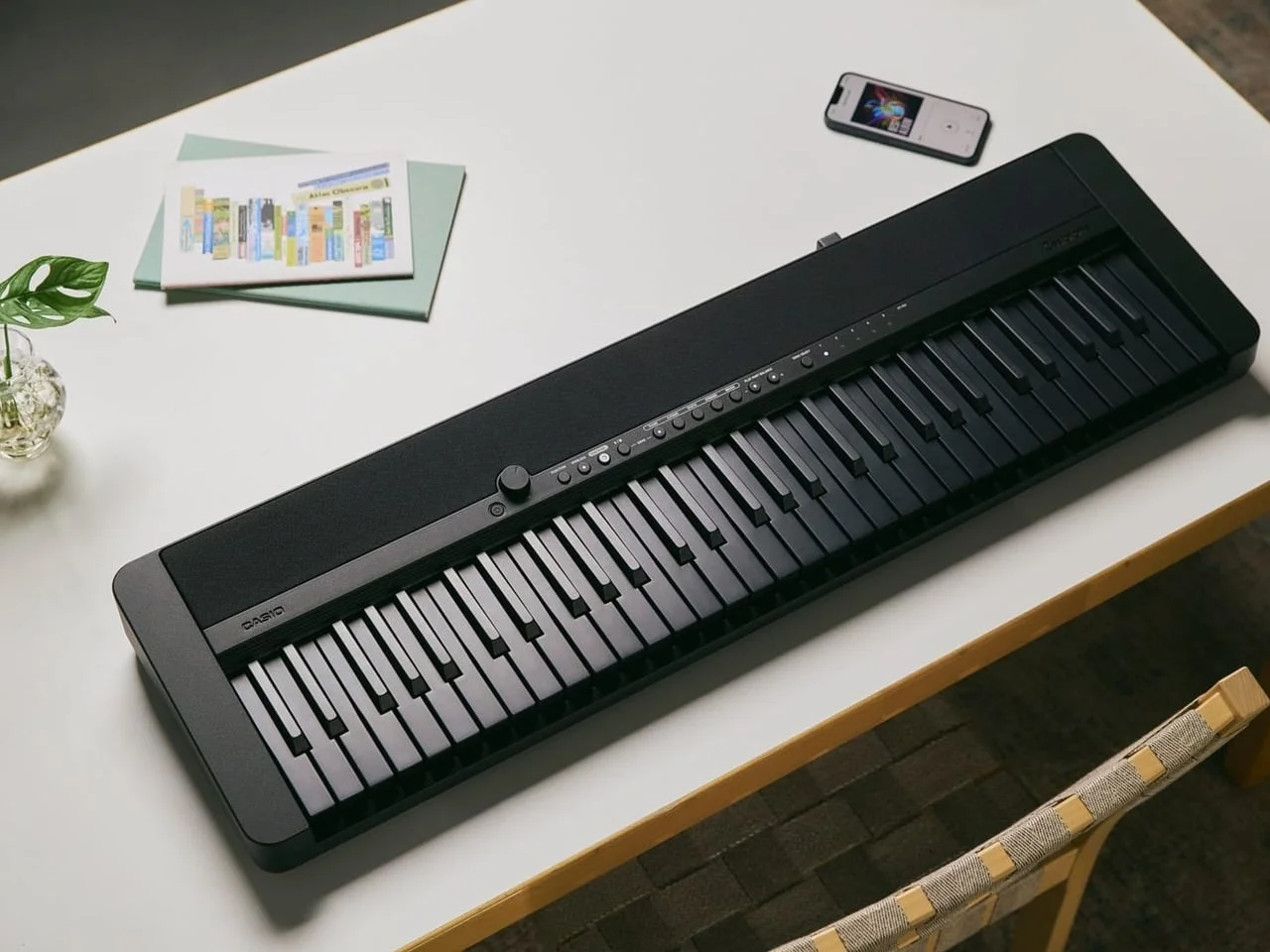
The monochrome keys are a more complicated choice. They give the keyboard a distinctive appearance, but remove the familiar black-and-white pattern that helps players orient themselves. That pattern is a practical reference for locating notes, especially for someone still learning where one key sits in relation to another. For a player who may later take conventional piano lessons, the transition could feel less intuitive. The design encourages experimentation while giving up a useful visual guide.
Casio pairs that look with full-size, touch-responsive keys and 61 built-in tones, including piano, electric piano, organ, strings, and synth sounds. Touch response lets players vary how a note sounds through the way they press, adding another expressive choice alongside rhythm. Stereo speakers provide onboard audio, while a headphone jack supports quieter sessions. At about 9.9 pounds without batteries, the CT-FS1 can run from its included AC adapter or six AA batteries, making it practical to move between rooms. This is more significant than it looks: portability and built-in sound fit the promise of picking up the instrument for an informal session.
Song access is the catch
Feel Sync works with MP3, WAV, and AIFF files stored on a device; it doesn’t support streaming services. A favorite track therefore needs to be available as a file, rather than selected directly from Spotify. That requirement shapes the experience as much as the keyboard’s pitch assistance does: a feature built around playing with songs is only useful when those songs are accessible in a supported format. If you’re considering the CT-FS1, check your music library before assuming it’ll work with the tracks you listen to most.
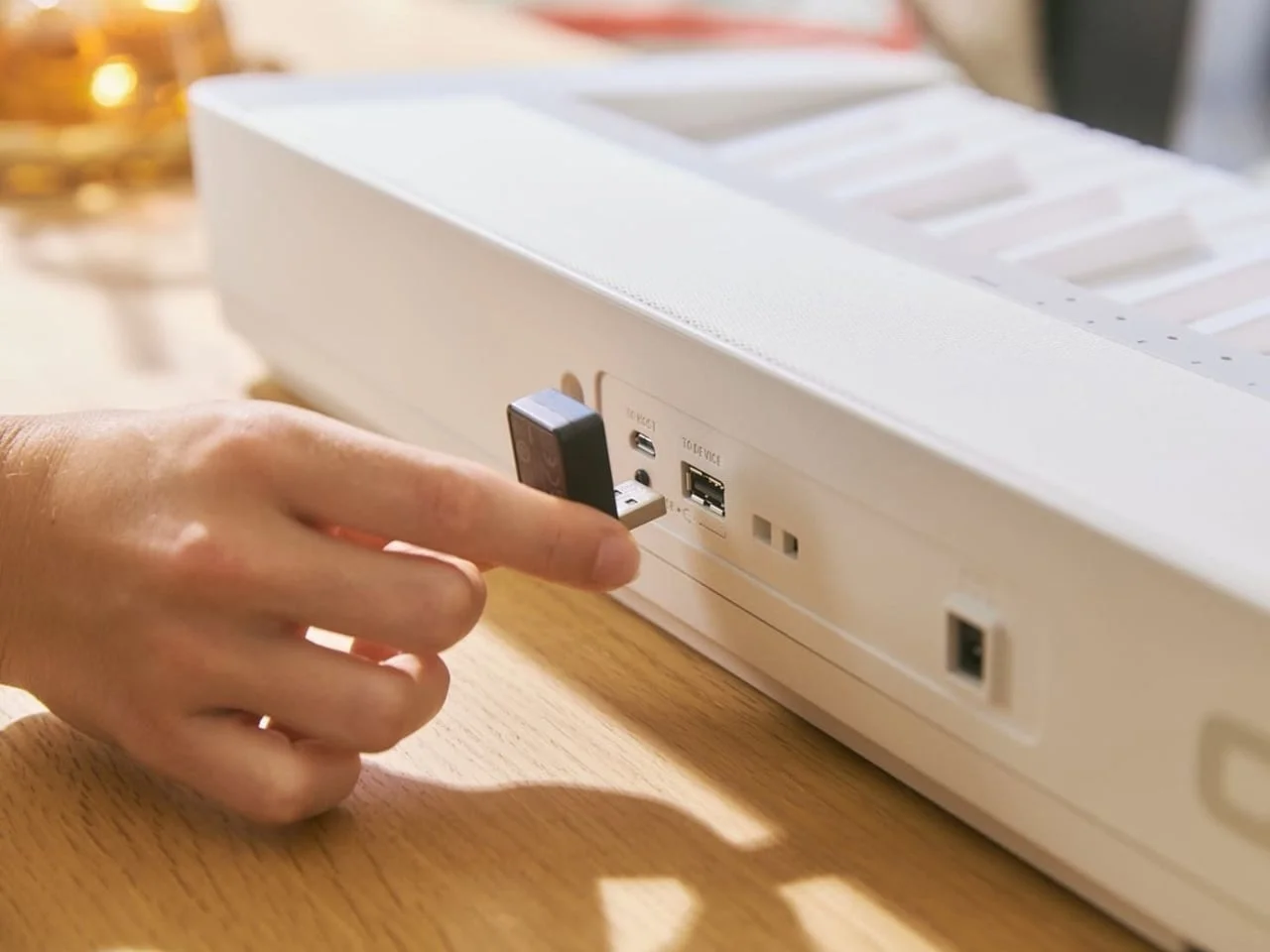
The included WU-BT10 adapter connects wirelessly to a compatible phone or tablet. That connection gives the app a route to work with the device’s recordings, but it doesn’t remove the file-format limitation. Similar play-along systems typically depend on the quality and structure of the source audio, so the range of recordings that Feel Sync handles well is an open question. Casio’s description explains the intended process; listening tests would show how consistently it works across different kinds of music.
Split mode offers a useful way to bring different skill levels together. One side of the keyboard can use Feel Sync while the other functions normally, allowing a beginner and a more experienced player to share the instrument. That arrangement gives the feature a social use beyond solo practice: each player can approach the same song differently. Feel Sync can also be turned off when players want standard keyboard behavior, so the assisted mode doesn’t have to define every session.
What the CT-FS1 is trying to change
Announced November 3 and available now for roughly $400, the CT-FS1 looks best suited to casual play-along and shared music making. Its pitch assistance could make a first attempt less intimidating, particularly for someone who wants to contribute to a familiar song without first learning its chords. But the feature doesn’t remove the need to listen, keep time, or make choices about how to play. It changes where the initial difficulty sits.
That said, the learning tradeoff is real. A player who relies on adjusted pitches may enjoy making music without gaining the skills needed to reproduce the song on a conventional keyboard. The monochrome keys add another wrinkle for anyone who later wants to move into standard lessons. Neither point makes the instrument’s approach misguided; they define who it’s for and what kind of progress it supports.
For someone who wants structured piano instruction, the CT-FS1’s central feature may be beside the point. For a household looking for an instrument that invites short, shared sessions, the combination of built-in tones, portable power, and assisted play-along has a clearer case. The file requirement remains a practical hurdle, and the app’s results need to be judged with real recordings. Still, spending twenty minutes adding your own rhythm to a familiar track can be a worthwhile reason to play. Here’s the thing: enjoyment is a legitimate starting point, even when it isn’t a lesson plan.

The post Casio’s Keyboard Lets You Jam Without Knowing the Notes first appeared on Yanko Design.

Discussion
Sign in to join the discussion.